Hi all, newbie here and not technically experienced… I have just installed an IP22 30AMP charger in my campervan and all is well with the installation. I installed Victron connect on my Samsung note10 lite and saw the charger was doing its thing.
I had to replace the in line fuse to the battery so removed the mains connection to the van and the negative connection to the battery terminal. Then I changed the fuse and connected everything back up.
When I opened Victron connect app I could again see the charger status but immediately got a pop-up telling me I had to do a firmware update to 3.65 to continue. I started the update but it kept failing at around 6% and closing the app. I’ve tried again multiple times and have tried to follow the troubleshooting advice but without success. An error message appears telling me there is a bug in the update and to try again when a developer has fixed it. I see the update is from September so would think a fix would be in place by now?
The manual says all LEDs blinking is error and to use the VoctronConnect app to determine the error, which you probably van not do with failed firmware update. Suggest you contact your supplier for a return of a failed unit.
Reinstalled app onto my phone, paired on Bluetooth then saw update screen again… first attempt failed at 64% yesterday it was failing around 6% so I tried again and this time it got to 93% and asked for PIN and when I entered the PIN the screen changed to update to 3.65 successful.
Lights on charger returned to normal, batteries are being charged and status on app confirms all is indeed OK.
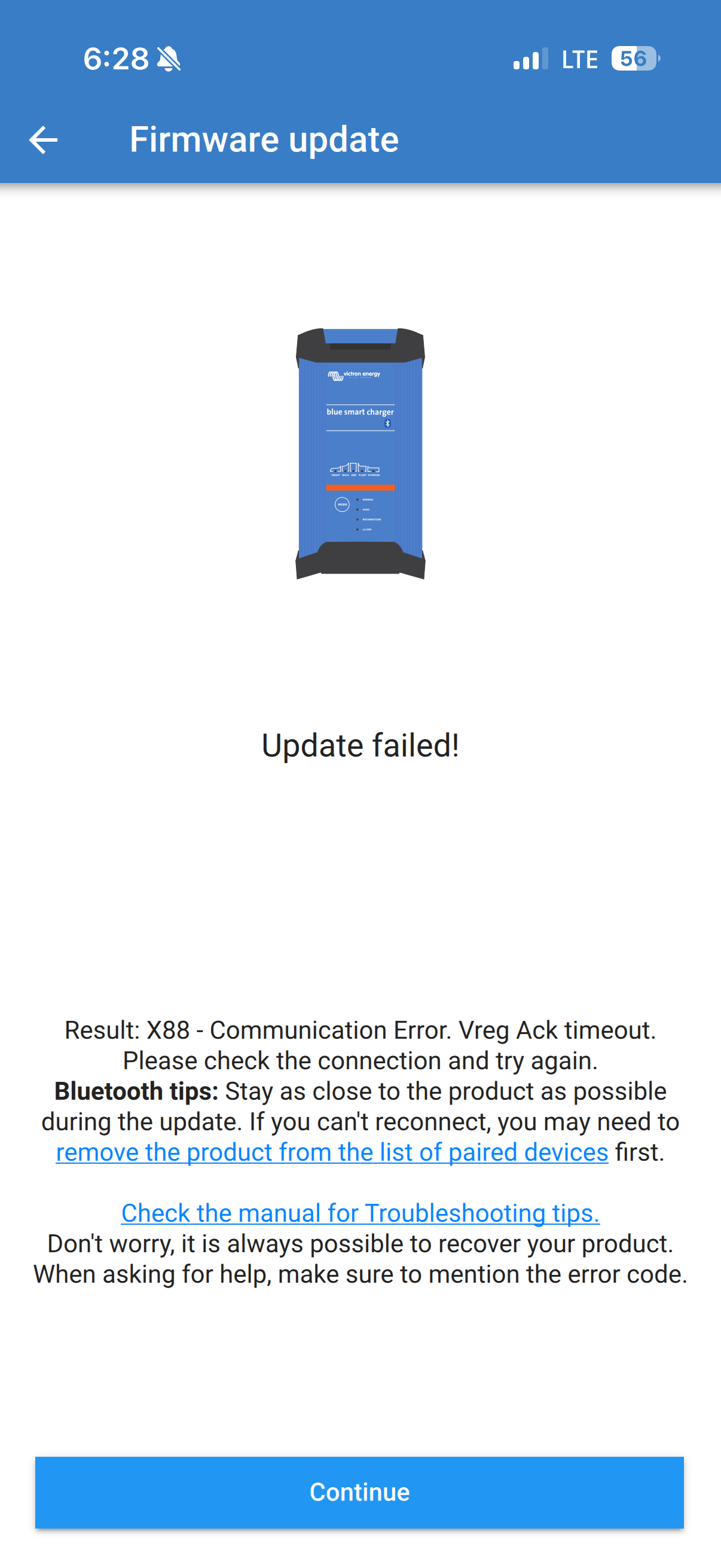
Hey! Im having the same problem. Just bought an IP22 charger. Was prompted to update to 3.65 in the app, but it keeps failing. Ive tried most of the so-called fixes I could find and none are working. I dont know of this is a firmware problem or hardware. Could it be the Victron Connect app being screwy? I suddenly had Bluetooth connectivity problems starting last week after firmware updates, which I never had before. Connection to my Smart Shunt and MPPT will be occasionally problematic, then go back to normal. Attached is the error message I receive when trying to update the IP22.
Using my ipad worked on the first try lol. iOS (26.01) and app version (v6.23)were the same on 17 Pro and 6th gen iPad pro. This info is mostly for anyone else that comes across this thread in the near future.


 lol. iOS (26.01) and app version (v6.23)were the same on 17 Pro and 6th gen iPad pro. This info is mostly for anyone else that comes across this thread in the near future.