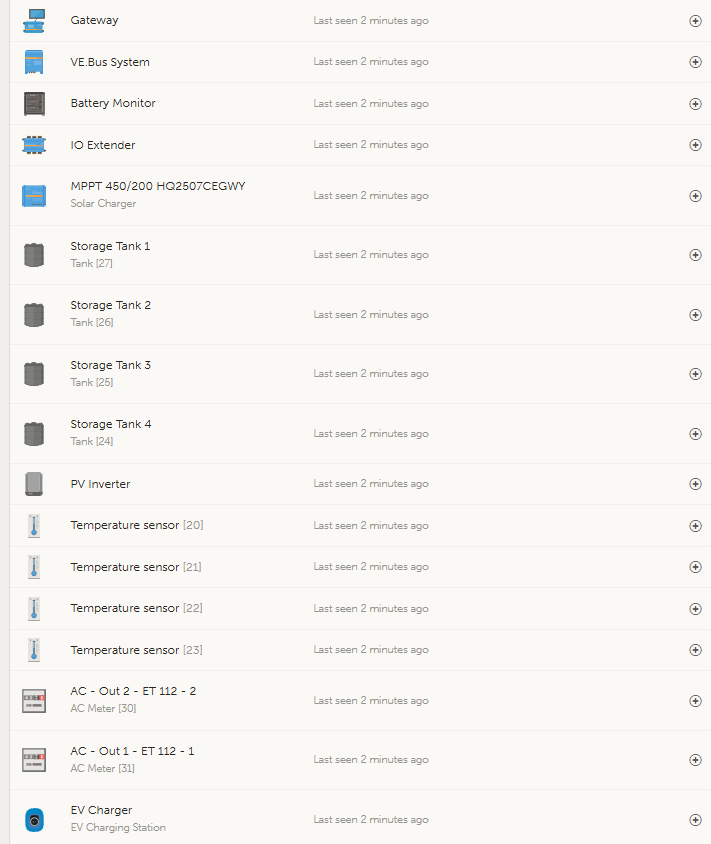
I am still experiencing the same persistent problem with my Quattro inverter: whenever I switch it off or perform a remote configuration change, the inverter only comes back on if I remove the VE-Bus cable.
I am unsure if this is an isolated issue, but I have encountered it at a customer site as well. Notably, the issue was present with firmware version 362 and on the old interface before, and after further investigation, I have confirmed that it persists even with the latest Beta firmware.
This is proving to be a significant challenge for me. Have you come across this issue before, or do you have any ideas on how I might resolve it? Any guidance or suggestions would be greatly appreciated.
No but have now, I don’t think that is the solution, this started happening when I upgraded my Quattro 48/10000 to a Quattro 48/15000 - I am running from a single power source Freedom Won 60/40. I have industrial shielde cables.
Could it be that perhaps I have a faulty control board in the inverter, I have tried a different Cerbo as well?
I still have not got a answer with regard to my inverter not switching on after a change with VEConfig - this is a problem and I need some assistance plz
This is a known behaviour and mentioned in the docus. When you run a gx powered from ACOUT of the inverters, you have a chicken-egg-deadlock of both devices.
I got the following devices installed. Latest firmware installed on all devices. Previuously Quattro 10KVA - no issues.
I will Reset the inverter using Ve Quick Flash -personally I dont think cutting any cables is going to solve the issue. I use most of the programable Relays to control various stages fo SOC levels to turn off Non essentials when Eskom is not available. I am testing various options that i would like to present to customers as optinal extras. I have started looking at Node Red but being at my age it is not going to be a fast process.
Apart from it being shipped with the VE.Bus BMS, the VE.Bus BMS Mains Detector is a separate device. Its just a small PCB with two 230VAC inputs that each activate a relay inside, to disconnect Pin 6 or 7.
If it disconnects Pin 7 then im sure you could use it in your situation as well, regardless of you not using a VE.Bus BMS
I have now used VE.Bus Quick configure and reset the inverter. I have loaded setting without any assistants, I have changed the VE-Bus Cable with a new cable. Still the same issue. There can be probably 2 Issues - we have a faulty VE-BUS on the inverter - or something on the Cerbo though I think that is slim. I don’t like the idea to cut cables and remove pin 7. All my sites work fine when I do remote config’s and would prever that mine work as well.
Morning - I have made the Cable up with PIN 7 Cut. It seems that the inverter is now starting after a remote configuration. Does this mean that as a default that we should be using a cable with pin 7 disconnected?
No, that is only required, when your gx is powered from the acout of the inverters.
Gx doesn’t boot without power
inverters don’t boot with that pin beeing pulled down by the gx.
Preferable solution would be to run the gx from dc directly, so it can startup without the inverters beeing online. Then, the inverters will start, as soon as the gx is ready / starting.