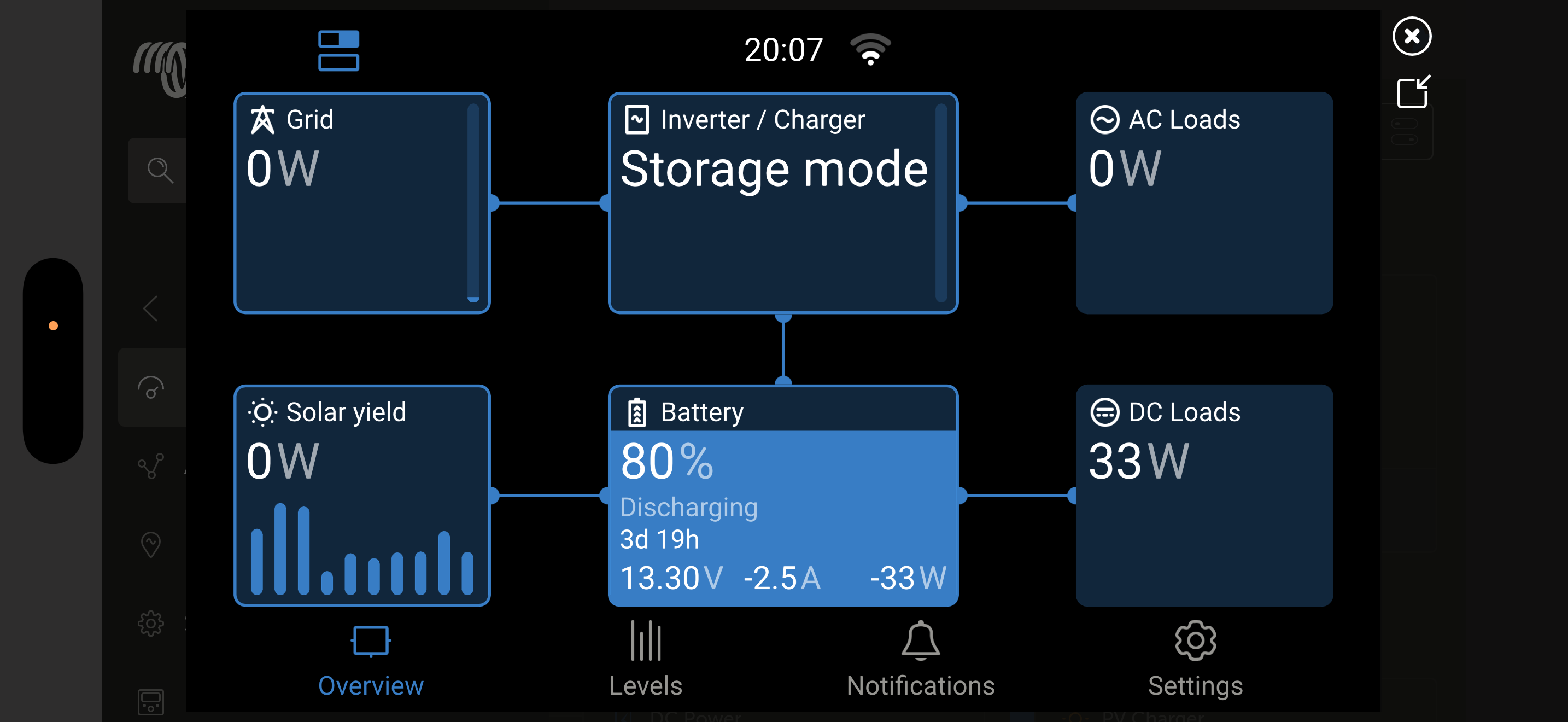
Probably already covered here somewhere - please excuse ifso. My multiplus was charging / inverting fine until it did a firmware update (V556 I think) and now it only seems to be matching any AC loads that are being used - I can turn on my aircon and it uses around 800w/grid power will then supply 800w same time. Grid Power supply is connected/no solar as no sun. Very green to this so apologies.
As far as I know, a Mulitplus will loose it’s user-settings after a firmware update. It’s therefore that MP firmware updates are not advised when the MP works ok. Did you check your specific settings in the Mulitplus settingsmenu with the VeConfigure software?
(You can save your specific settings as a back-up file, to upload after a firmware update.)
Ok, so seems like I may have messed this up. Guess what I need now is a path forward. I have looked and there is a file on my phone that must of downloaded. How do I know configure it to its default settings.
In order to change MP specific settings, you need to use the VeConfigure software with a laptop and the MK3 USB donlge, or via LAN with a Cerbo GX.
The MP 12/2000 has no capabilities to change the specific settings via a smartphone and app. You always need the VeConfigure software to do this.
Via this link you can find the VeConfigure manual, how to install and use the software, and how to make the correct settings.
When you have read the manual, and you are not sure what to do or how to make the correct settings, please ask for assistance from a local installer or dealer. They can even do this via Teamviewer. And after the settings are made correct, you can save this as a back-up file. To upload to the MP later when needed.
IT doesn’t did a FW update on it’s own.
The user (probably you) needs to manually do that update.
I guess you did it via VRM?
Before the Update there a many warnings about how to do the update and that the settings will be reset.
Take a look into your downloads folder there should be a remote config file and with that you continue at step 3.3. in that manual.
100% this was my mistake, excuse the way i phrased it. Multiple Victron products onboard and didn’t understand the full workings around the multiplus when updating all so putting my hand up for that. Thanks for your link to the above but from what I’ve been reading I still have a few questions.
1 From the link you have sent me I didn’t see any mention of the mk3 usb connection being required. Am I correct in saying that?
2 I only have apple operating systems at home so cannot run the VE configure software (?) unless I run an emulator, or can I connect with the mk3 usb via my phone/macbook which will allow the settings to become available with Victron connect and just re-enable the charger? Thanks in advance.
- With a Windows system you don’t need an MK3.
- Depends on your system, as long as you don’t have assistants installed on the MultiPlus you should be able to restore your settings manually with MK3 and VictronConnect.