Communication Pylontech et Multiplus 2 GX

Hello everyone.
I have a small setup consisting of a Multiplus 2 GX with three Pylontech batteries (US2000C master and 2x US2000).
After several attempts and configurations, and changing the type A and B cables, I can’t get my Multiplus to recognize my batteries.
Do you have any ideas or should I reset it to factory settings?

Knowing that it does show me a charge percentage and that it seems to be accurate,
But the batteries don’t appear in the device list.
Thanks for your help.

Did you follow all the instructions from victron:

Thank you, Marc.
I did exactly what was indicated in the document, but nothing is working, which is why I’m contacting you.

Thank you for your help.
Sébastien

You need cable A (not B so thats not the issue)

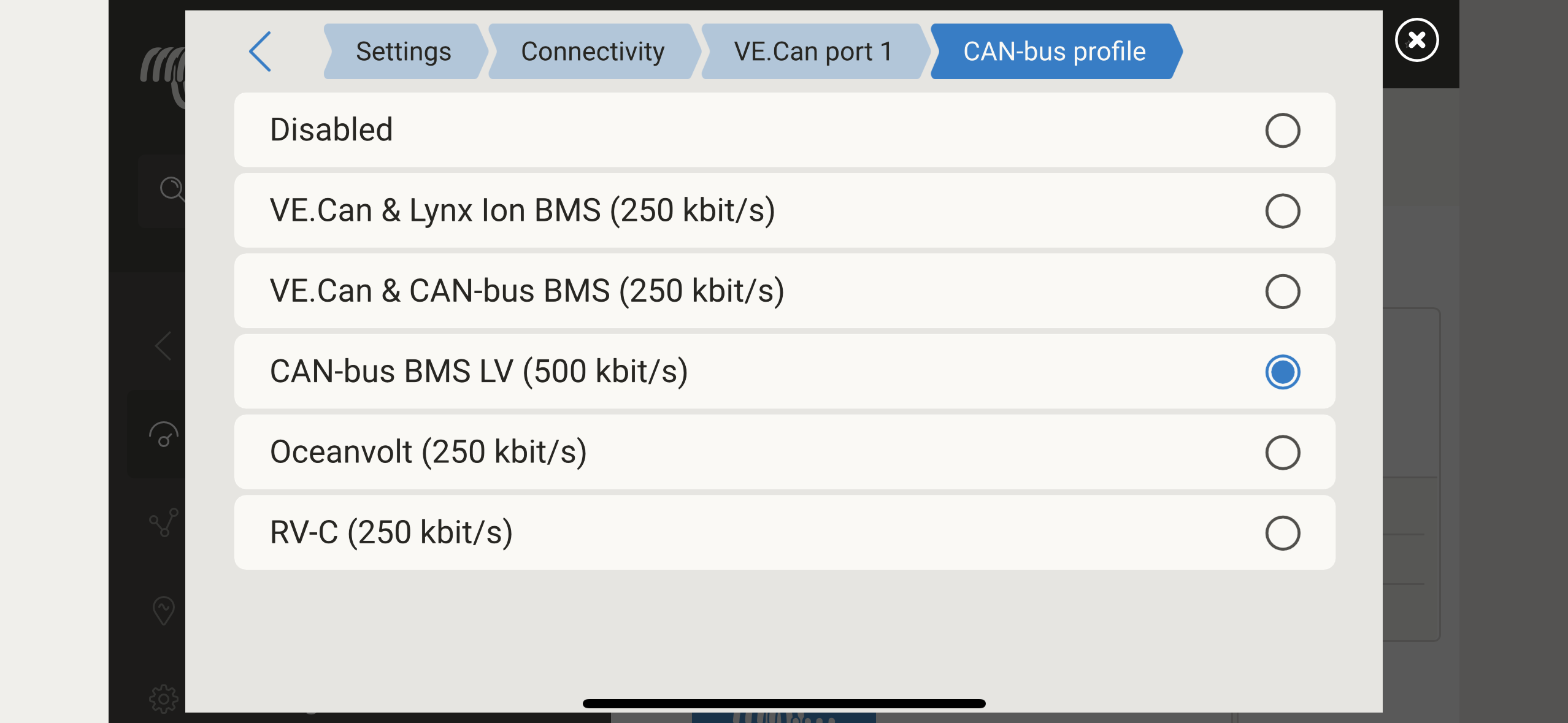
Did you also set the right ve can settings in remote console? Can bus profile 500kb/s?

No dipswitches set on the batteries? (All off, on all batteries)

Did you do a reboot after setting everything right?

I have the correct setting for the VE CAN, the DIP switches are off,
and I restart every time.
There must be a parameter that’s causing the problem. I think I’ve done everything right, that’s why I’m asking for your help.
Who has already done a factory reset on their Multiplus 2 GX?

Ok

I have done that, see this manual:

Hello,

I’m getting back to you about my problem, which is still unresolved.
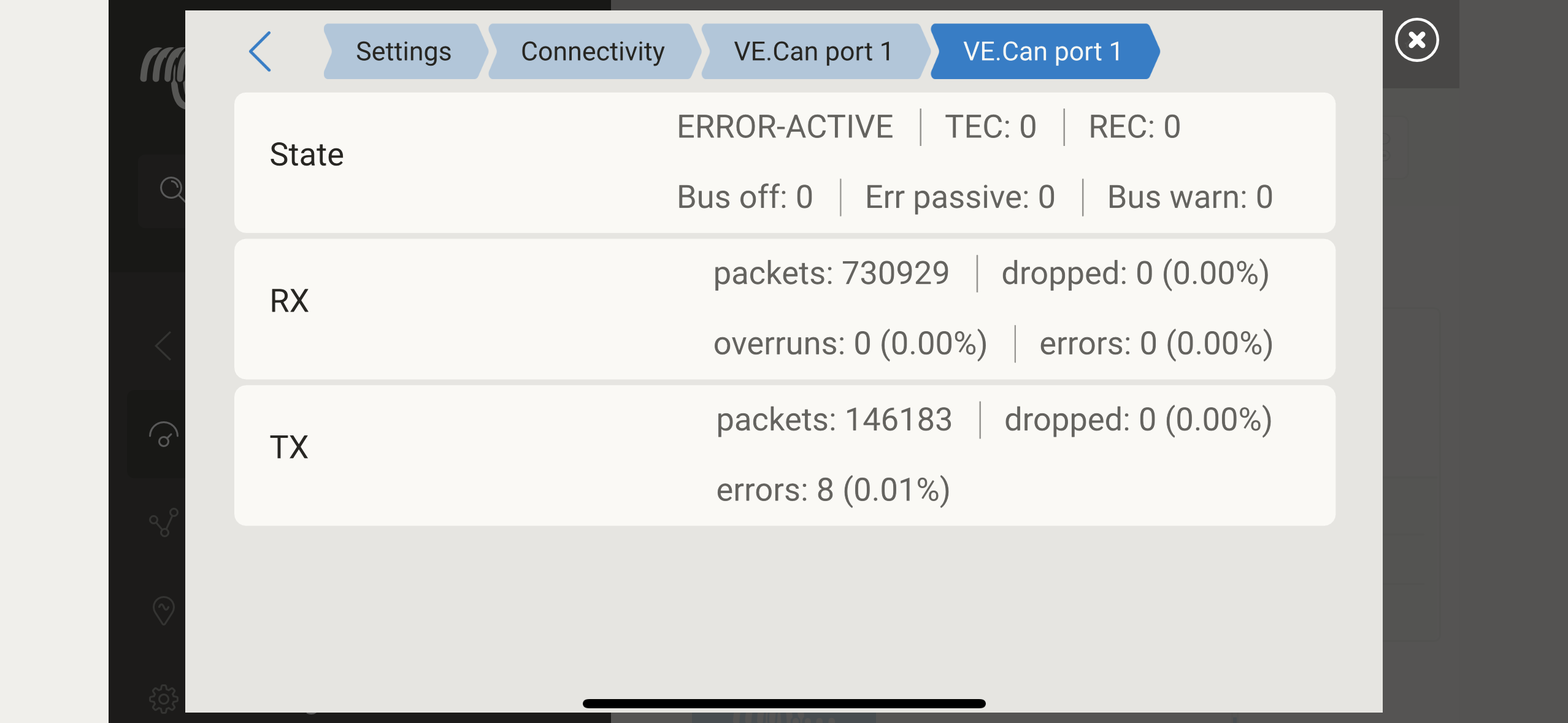
I’ve redone all the Victron settings, and Pylontech confirms that the batteries are working fine and up to date. Here’s a screenshot of the VE.CAN network status.
Thank you in advance.

Hi what did you select here

Looks like there is definitly something wrong in communication, is your can cable in the right connector on the battery and on the multiplus gx?

Did you make the can cable yourself?

Hi Marc,
I selected the CAN-bus BMS LV (500kbps). The cable is original Victron and I checked for continuity.
Should the GX be sending packets?

Yes this is what is should look like:

So if you checked everything i would contact your local official victron dealer for help, could be a faulty gx

Did you also plug in ve can terminator?

Yes, I connected the VE CAN Terminator correctly.
Can I fix the problem by adding a Venus GX to the Multiplus?

Yes you can, but you will have to disconnect the internal gx device

Is there an update to do to debug the card or reset it?
Can we order a replacement GX card?

You will have to contact your local official victron dealer for that, is it out of warranty?

Another idea, did you try another battery as master?

I’ve already tried with another battery, without success. I’m getting a new battery tomorrow, I’ll be able to do another test.

It could be helpful to take some pictures from the connections en the Batteries, to have an overview of how all is connected together so Marc and perhaps others can look at it. Would that be possible?

Hi Ersus,
Here is a photo of all the battery connections.
thank you for your help

to make sure, i dont see any SOC indication LED’s on?
Did you push the SW button?

They are not always on, run blinks every now and then and soc do that too only when charging

@Mamas51 knows what he is doing… :blush: tried a lot already as you can read

Sorry for not noticing that he knows what he is doing.
I don’t have Pylons just being polite.

1 Like