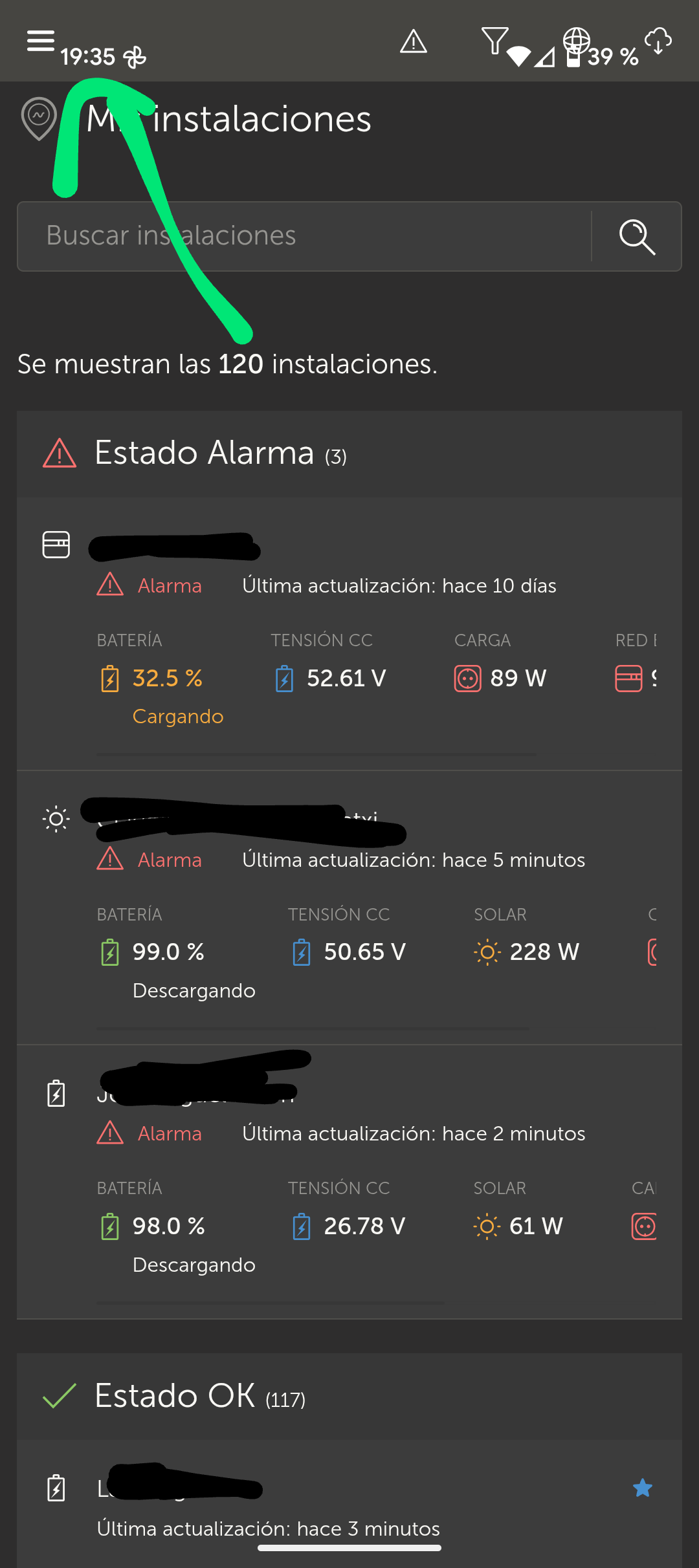
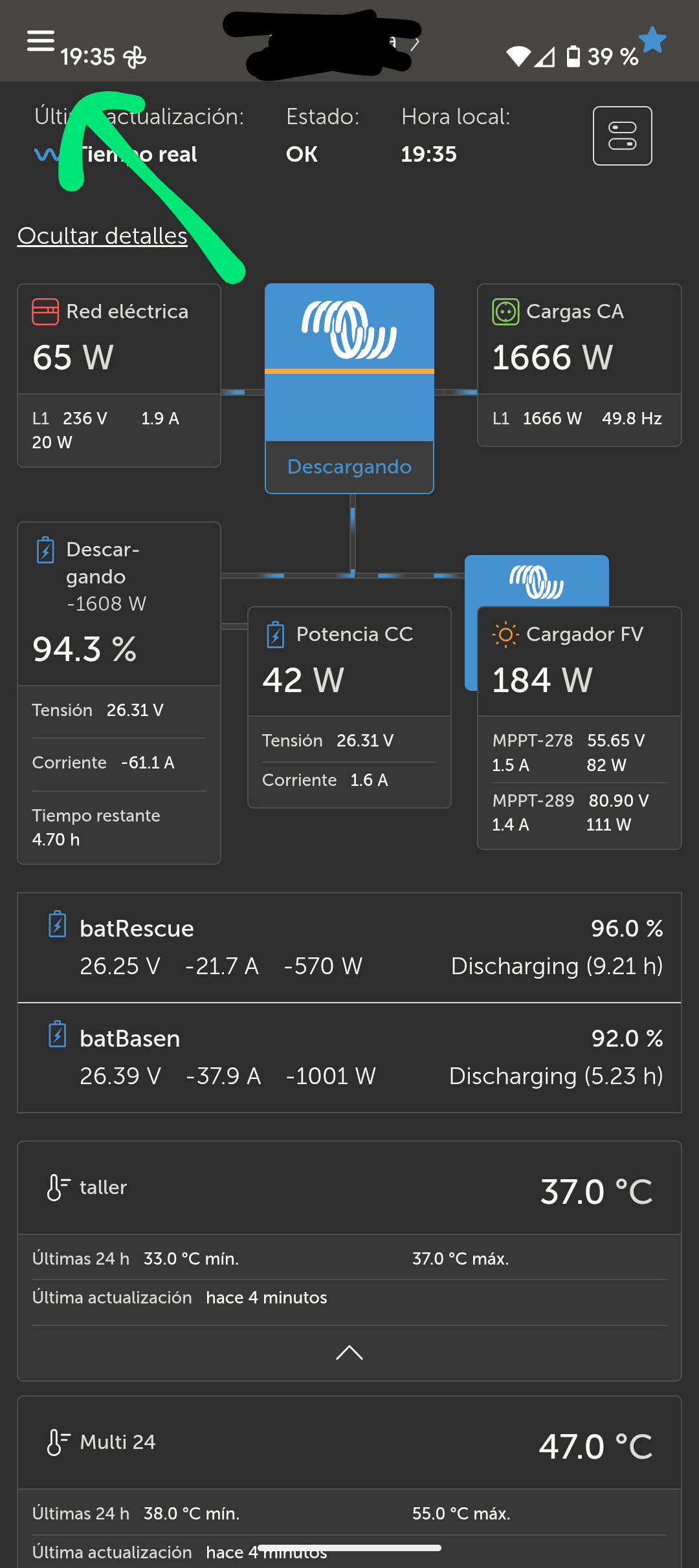
My Google Pixel phone updated to the latest version of VRM last night which is running the latest version of Android 16, build number BP2A.250805.005
When I now open VRM , the 3 line hamburger menu buttons, installation name and favourites star are now displaying right at the top of the screen, over the top of the phones top menu bar that is displayed either side of the camera as shown in the photo below.
Apart from it not looking visually very good, I’m now unable to open the VRM menu because when I now tap on the hamburger button, it just opens the phones Android shortcut menu and not the VRM menu.
If I rotate my phone into landscape orientation, the hamburger menu button does work, but it takes a few taps for it to respond.
Once in the menu, If I’ve been in the remote console menu, I am now also unable to exit out of remote console because the close button with the X in is now too also displaying in the phones top menu bar and is unresponsive. I have to close VRM, then reopen it again.
There seems to be an issue with the widget too, it’s now crashing intermittently. I’ve tried to attach a short video below to show what I’m experiencing.
Please take a look at fixing these new issues.