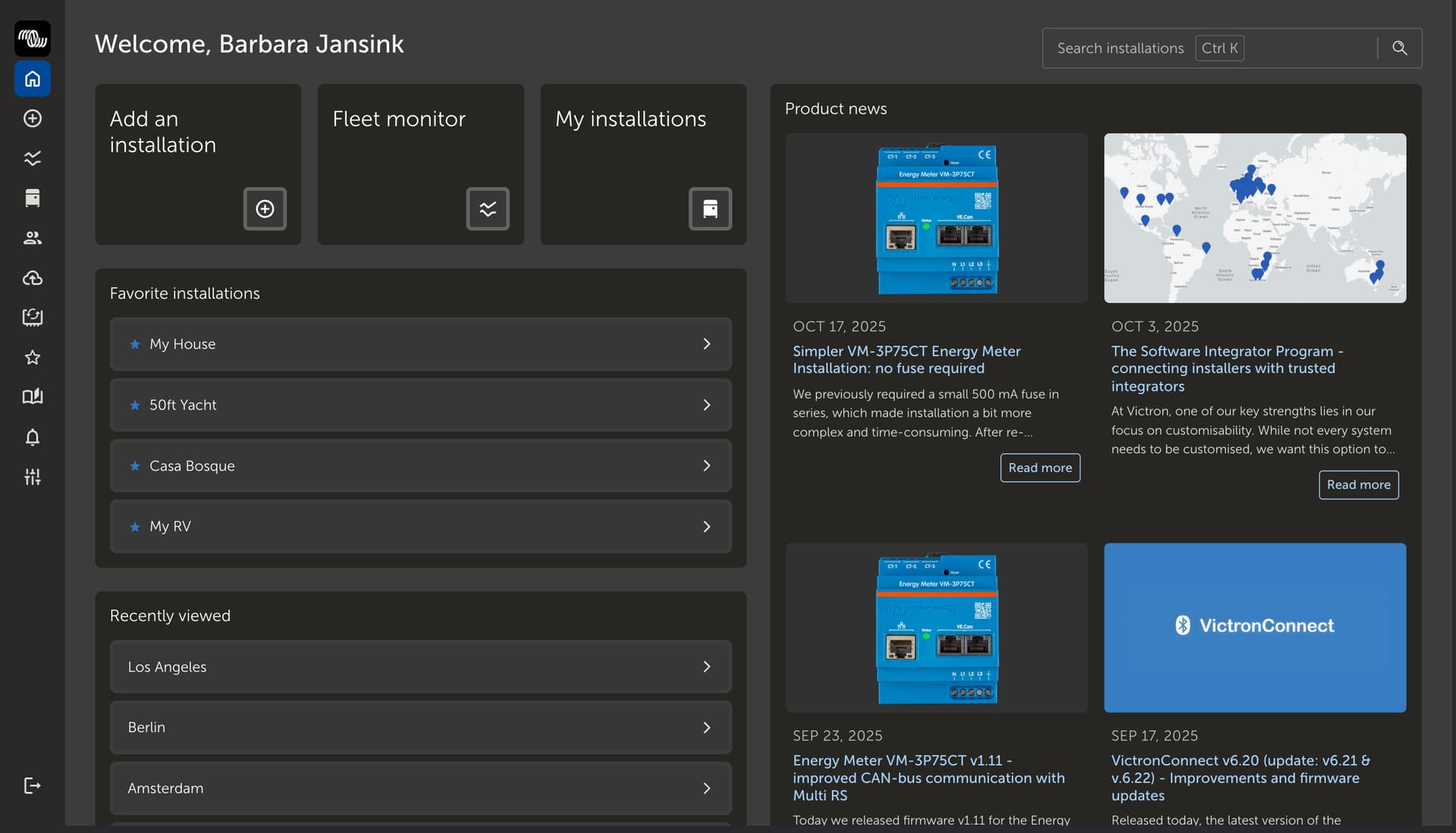
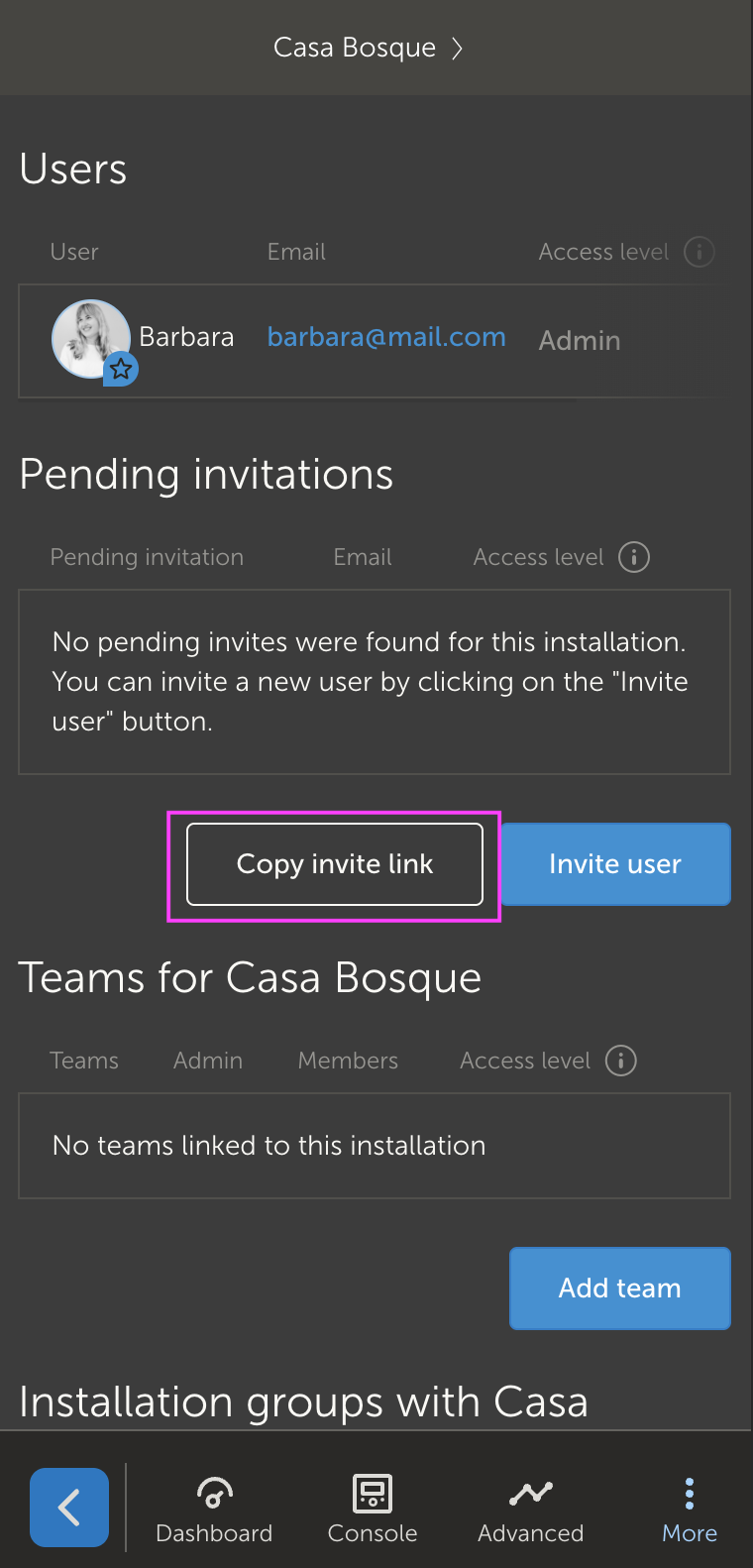
We have added two big features to VRM last week which I am excited to share with you!
If you manage more than 10 installations, your VRM homepage now highlights your favorite installations, recently visited installations, and Victron Professional News.
This makes it quicker to find the installation you’re looking for and keeps you up to date with the latest product news, without needing to visit Victron Professional or social media.
In the user settings of any installation, you can now copy an invite link. When someone logs into VRM using this link, they’ll automatically request access to that installation.
When using VRM in landscape mode, the bottom navigation bar now automatically hides after three seconds and reappears when you scroll: maximizing the visible data on your screen.
What about the small space for widgets graphs on Advanced page?
Can the above space be used more efficient, as the Last updated, Local time, range selection is taking too much space?
At best the graph is showing only on 50% of the screen, the upper 50% being useless almost all the time.
Thanks!
Can I ask that an option be provided to disable this? I frequently use VRM on my iPad and on that size screen it seems totally unnecessary to hide the navbar, and I find it really awkward to have to touch or scroll somewhere random to get the navbar to appear again. I can see the advantage this has on a phone screen, but I feel that it’s overkill on a tablet size UI; there’s more than enough space to keep it visible.
Hi @DanielRoux , I do get your point, but we got a lot of feedback from tablet users that specifically were bothered with the navbar staying in view, that’s why we adjusted it to hide automatically. I do hope you get used to the new UI. If you don’t, we can always make it a display preference setting to hide it or not.
apart from @alexpescaru’s excellent points, to which I 100% agree upon, please have a look at my screenshot and elaborate on the empty space highlighted. It really doesn’t make any sense. Is this a but in the jgraph code used, or did someone thought it would be a good idea for the graph to be “centered”, regardless of if there is extra context or not?
You can set an installation as favorite or you save the URL of the dashboard as bookmark and use that to go to the VRM portal. https://vrm.victronenergy.com/installation/>VRM-Installations-ID</dashboard
I assume @Radunre is well aware of the possibility to use a special link when a webbrowser is used to access VRM. That does not invalidate his request not having to instruct users to use such a special link and in case of using the mobile VRM app where such a link cannot be set.