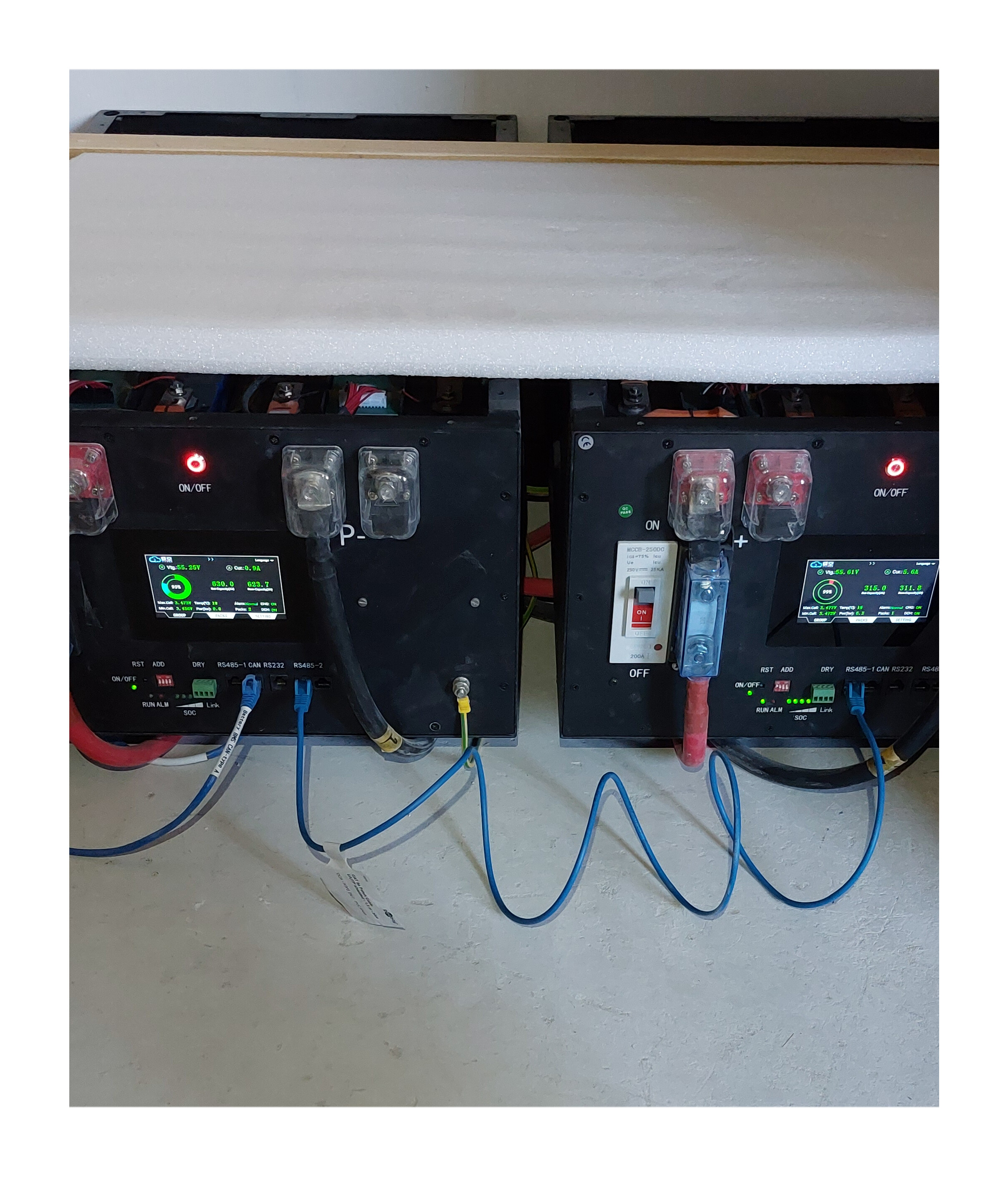
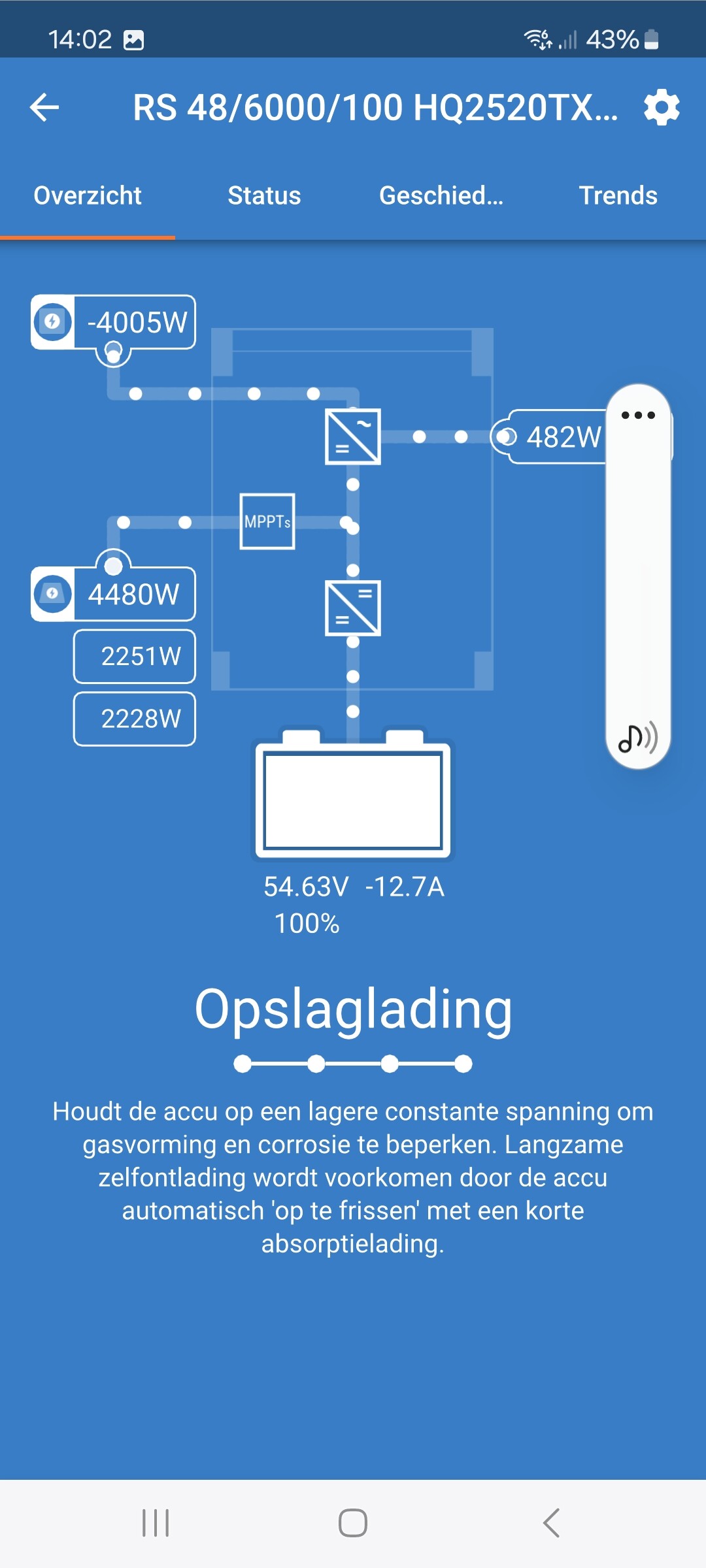
This morning I successfully connected 2 Yixiang 16Kwh battery’s with jk v19 bms by trial and error… the jk version is V5.8.0
Both DC and software/ app.
I haven’t updated the BMS!
Connect the DC when battery voltage are the same, in my case 55.0 volts.
Using the Victron Can bms cable type A, the master battery is connected to the Cerbo mk2 on the VE Can 1, the adjacent VE can 1 bus is terminated with a Victron terminal.
Using a cat 6 utp cable connect the master battery RS485-2 connector to the RS485 -1 connector next to the can bus of the second battery. See photo.
Set slave dipswitch to 1 or 2.
These are my Uart protocols in the jk App;
Master;
U1 = 001 jkbms rs485 mod bus v1.0
U2 = 016 jk bms lin bus v1.0
U3 = 015 jk bms pbxx series lcd protocol
CAN Protocol = 004 Victron canbus bms protocol.
Slave:
u1 u2 and u3 are the same as the Master
Can Protocol = 000 JK bms can protocol (250k) v2.0
@Daniel777 maybe this post is useful.