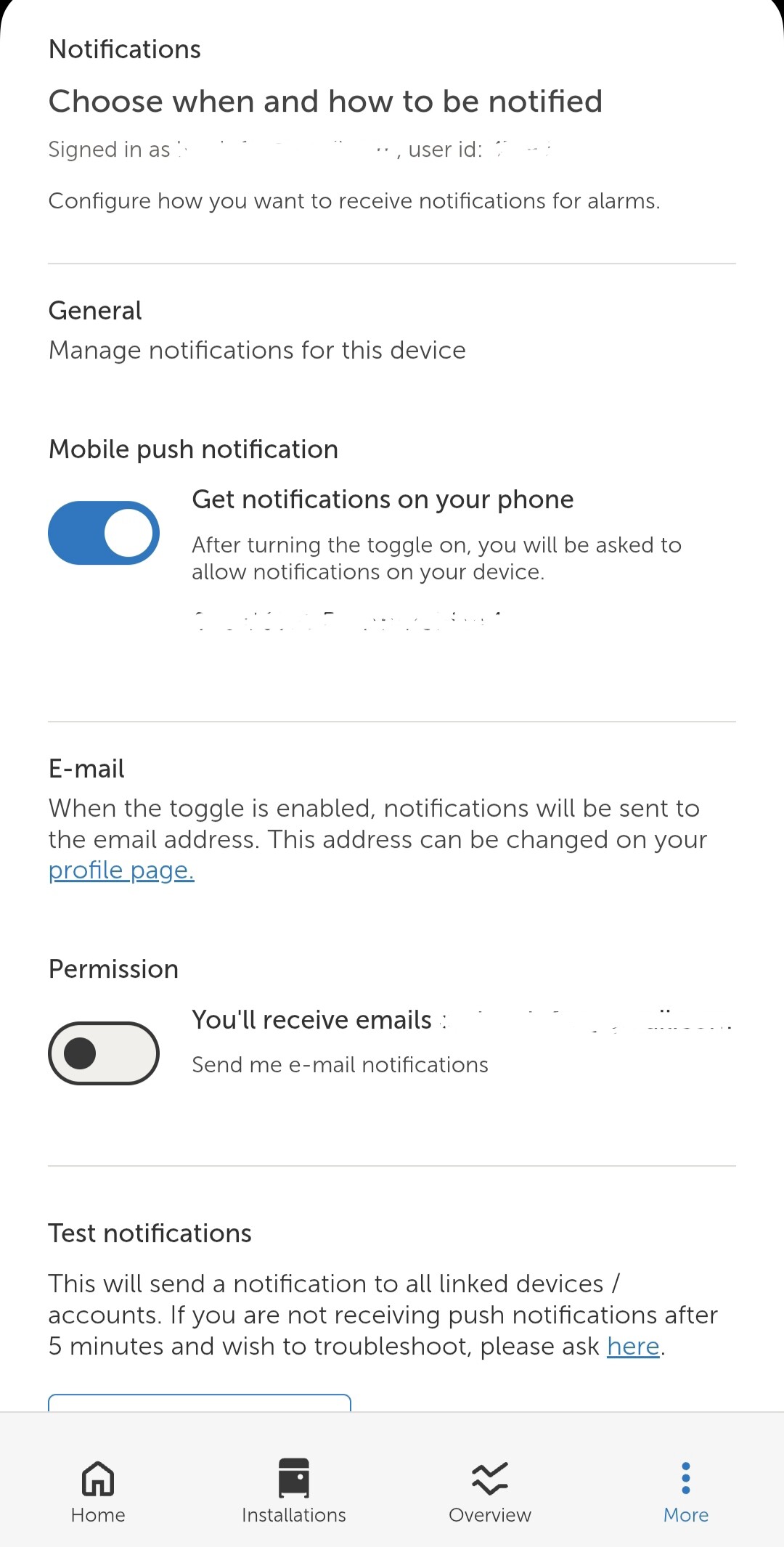
Hello. As of recently I don’t receive either any push notifications through app or any email notifications, while there are alarms (visible in the log). The checkboxes for push and email notifications are on. I also noticed that there is a “mute” icon next to my email in the alarm rules while checkbox for email notifications is on.
I think the limiter is in settings where the alarm rules are.
Usually you would have received a warning that notifications would be turned off for 24 hours when it is triggered.
Normal is a few a day. Depends on what you have set up. But if you have a few in quick succession and they repeat every time it logs (so if that is minute by minute) it will trigger the rate limiter.
I used to have a site with a battery bank that triggered alot of high cells warnings as the battery fully charged.
I do not see any alarm notification limiter settings in alarm rules. But if it turns off notifications just for 24 hours, it’s not my case as I do not receive notifications much longer.
Probaly the problem I have with notifications is related to something else?
This should be fixed for you now - your notifications were muted (as indicated by the alarm bell) and there doesn’t seem to be a way to unmute yourself properly.
Being able to unmute yourself, and clarifying what everything means will be picked up
Thank you for your assistance in solving this problems. Indeed, now it works.
So do I understand correctly that currenlty, if such a problem would occur again, I would not be able to solve it myself and would need assistance from Victron’s team?
“User has muted emails, activating alarm emails will have no effect…” message next to my account on the alarm page. I have tried enabling and disabling email permissions on the app but nothing changes.