I received my SE10K on the 11th of July as a replacement of a SE8K. When installing I upgraded the firmware.
My Multi RS solar setup came online on the 18th of July and had this problem from the start. More people on our local forum had issues with the SE modbus availability around that time, well before the 25th.
Maybe this helps in timelines
Hi Izak,
After keeping nagging the solaredge support, the now asked for logs. Could you share maybe the traces or any other relevant log with me so that I can forward them to solaredge?
Or can I share contact details?
Thank you!
l also received another message from Solaredge, unfortunately, another meaningless message stating that communication should work on port 502 and a link to a Victron document for connecting Victron to Solaredge.
I will respond to Solaredge again.
I know that Victron have been trying through other channels as well but it doesn’t seem to be more fruitful than your experiences.
At the moment it is pretty much stuck with SE.
Here the communication between the Victron and the Solaredge via Modbus/TCP is not stable
I have relayed this to Soalr Edge. I expect they will only see the message on Monday earliest.
My integration isn’t stable either. I have recently disabled dynamic power limiting, but it doesn’t seem to help either.
They work on Sunday (as most of the Middle East does), but I don’t think this has a high priority with their engineering. As far as I can tell from other public sources this modbus integration only seems a problem with Victron. No reports of HA integration not working anywhere.
Not sure if this helps, but I‘m running firmware 3.55 and SolarEdge 4.22.44 (SE10k-RWS) and this has been stable for a long time. Communication is routed through a modus proxy running as an add on on Home Assistant. I really want to switch to newer Venus OS firmware to make use of the dynamic power limiting but will only switch over if the new stuff is stable.
Let me know if I can help in any way!
I wouldn’t mind trying to do a similar setup through Home Assistant. I run firmware 3.64 and SolarEdge 4.23.36 on SE10K-RWOTEBEN4. I don’t really need dynamic power limiting as I can supply back to the grid the old way. If it would
No still the same, they didn’t do any changes. Solaredge requested the network trace files on friday.
@iburger do you still have them, and can you send them to me?
Thx,
blieve
I sent you an email with some of the details you asked for. Please loop me into the existing discussion with SolarEdge. Thanks!
Thanx, well recieved! I have asked to add you to the conversation. The support portal from solaredge is very basic, so I can’t add you myself

Solaredge are clear that only 1 modbus connection is supported, they repeat this several times in the docs.
VRM site ID: 34217
I have a SE5K and SE10K both connected via an ethernet cable. The SE5K inverter does have a stable connection, the SE10K is losing connection regulary. Both SolarEdge inverters did have a firmware update last weekend.
Until yesterday I had a Venus GX but I upgraded to a Cerbo GX. I didn’t do the upgrade for this problem, the problem still exsists after the upgrade.
From what we can see the SE definitely has an issue with how it responds (or doesn’t respond) for sunspec. The team have been engaged with their engineers who appear to be the bottleneck.

Understood. Thanks
Goodmorning,
I reactivated my ha intergration again because It didnt help, this morning my se was gone again.
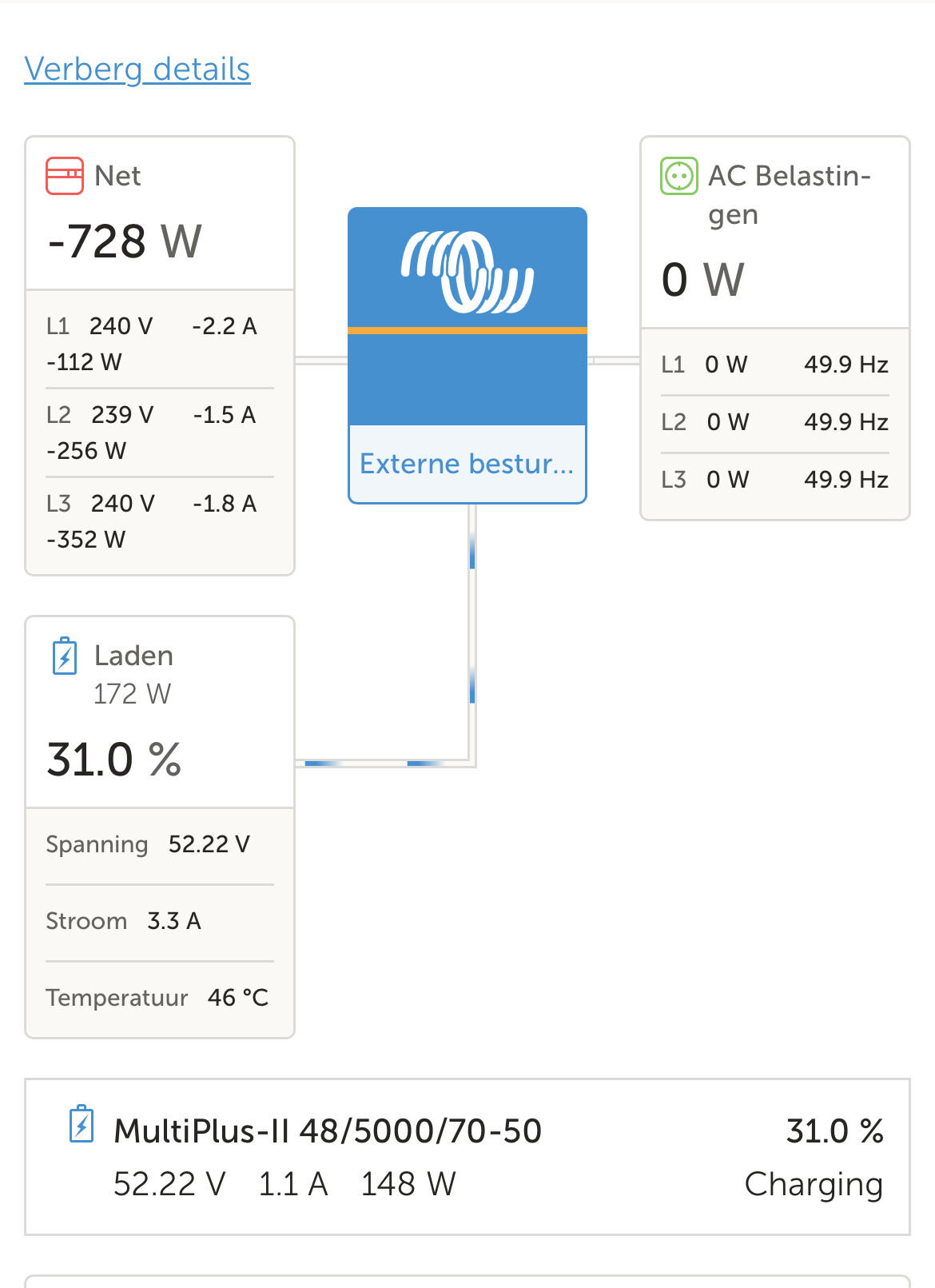
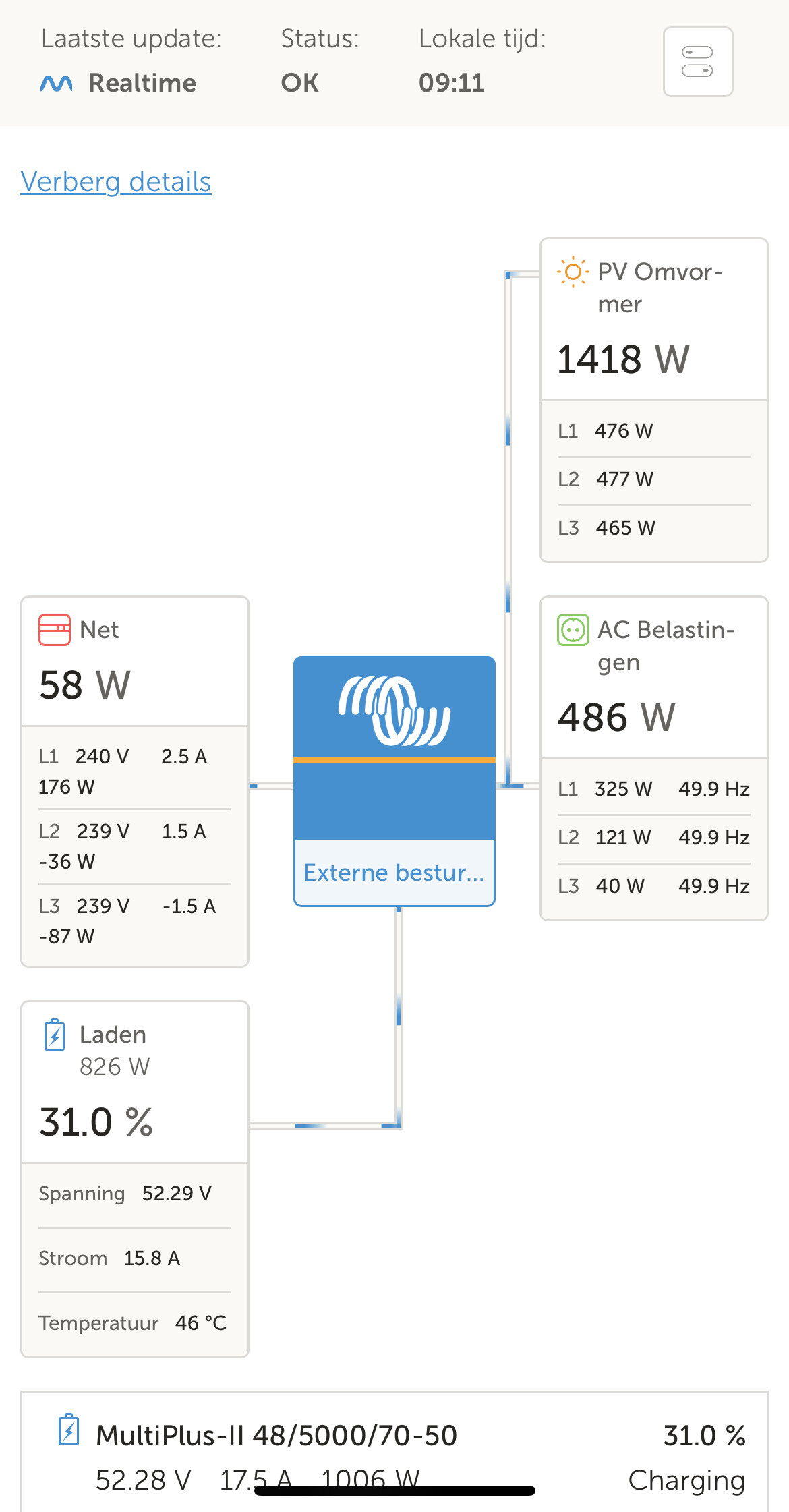
Result: using grid power, because victron couldt see there is solar power available, the easiest way to enable the connection then is to reboot my Cerbo.
Then it always works again see below before and after