Today I gave starting ESS with the Victron DESS setup another go, since wind power makes electricity cheap and it’s ok to do a full charge now.
immediately saw that it’s now discharging the battery even if electricity costs is at about the lowest cost possible (0€ + unavoidable taxes) so turned it off for now.
observation: not all toggles for ‘DESS ON-OFF’ are on the same setting some are OFF but on still is ON. The dashboard side panel was where I elected to switch the switch to off, yet the ‘menu setting’ (more …. DESS on/off) remains set to ON.
to my mind it would make sense if toggling one would also toggle the other places where this can be set thus every ‘switch’ would synchronise and give the expected behavior (DESS on/off).
Cerbo @3.64 (no mention off this bug in update-improvement list afaik)

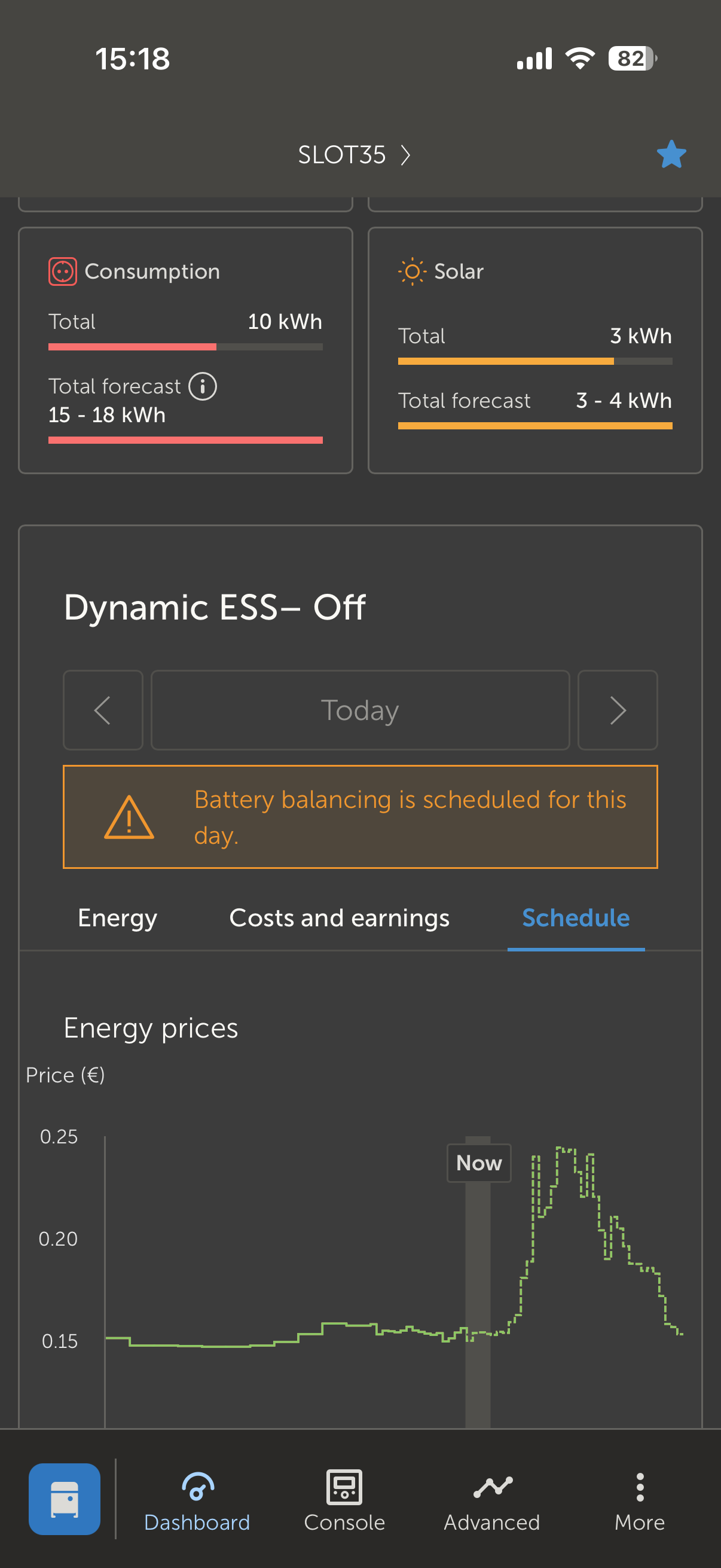
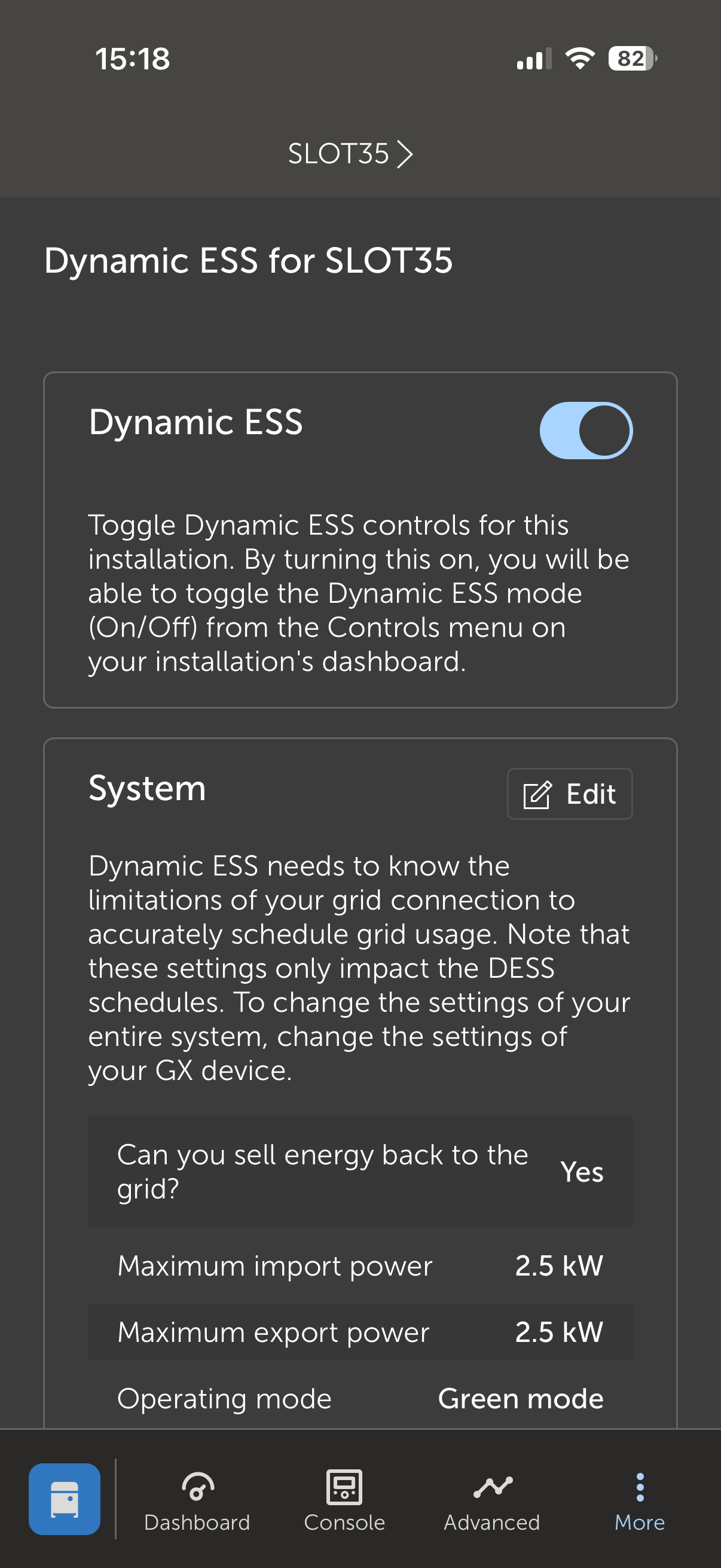
Ahhhhj maybe I just noticed my own mistake… the toggle above is not DESS on/of, it should be called ‘DESS control switch’ on/off (?) or is it supposed to be the main ON/OFF switch: “main DESS controller algorithms on-off”. Bit confusing, for me at least.
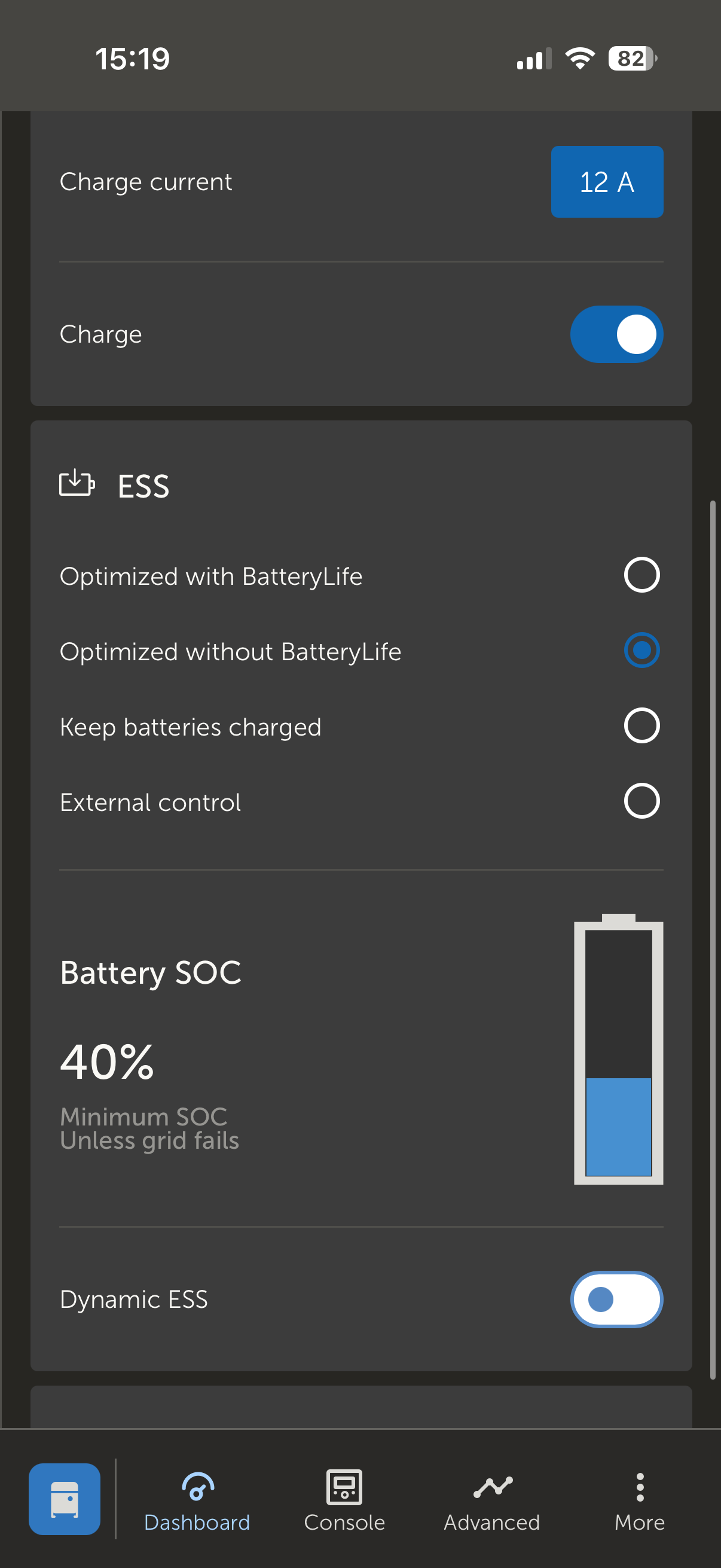
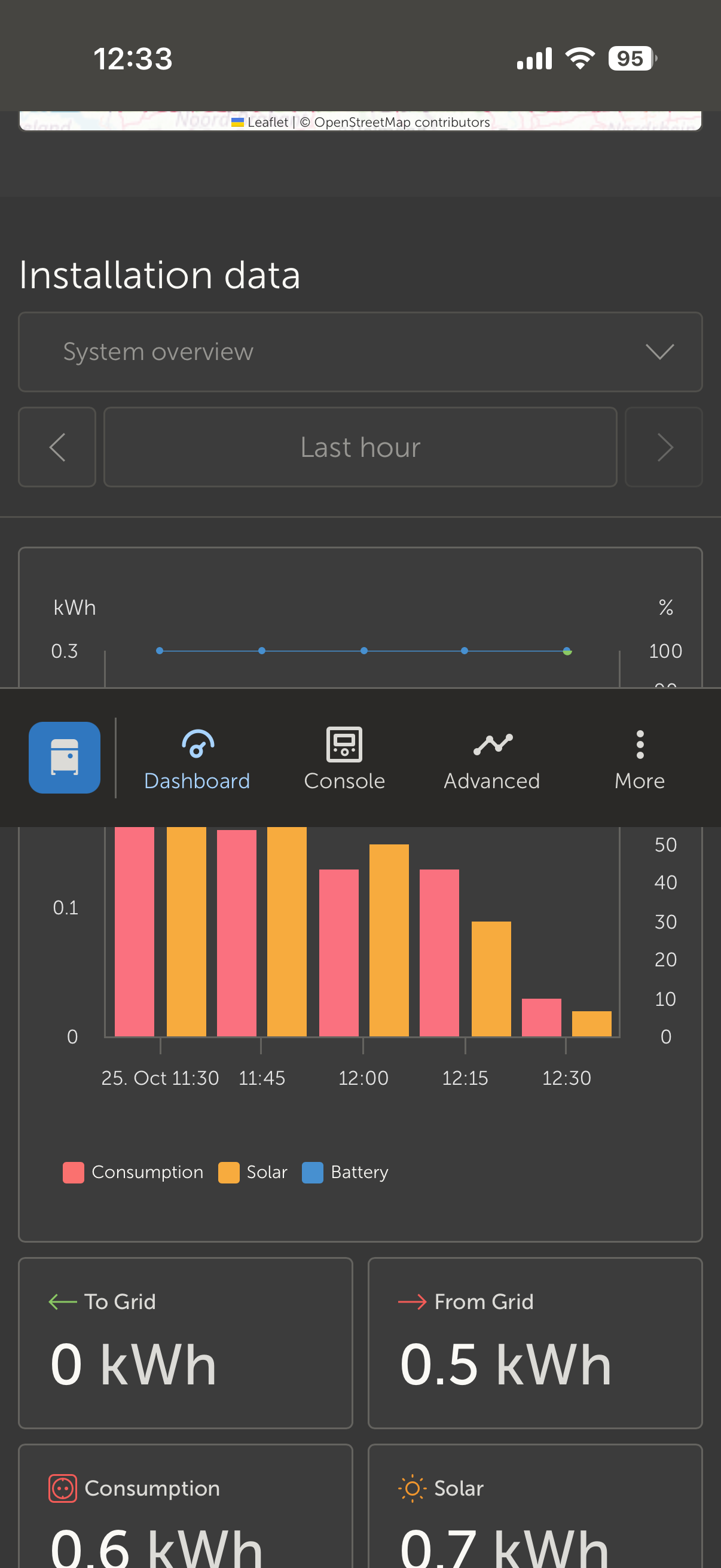
next to this observation I notice a lot of times where an interface element Is not sticking to its designed place when using the app (iOS 26.0.1) trigger switch from the advanced graphics page (scroll to last widget graph, which will partially be below the menu bar) to with the vrm-dots-menu or the dashboard. The bottom element ‘menu bar’ becomes detached and slide up while navigating the new (menu/dashboard) page.
quick fix: Switching the view from portrait to landscape and back snaps it into place again (btw observing this in several apps so might be more iOS related but Apple support still disagrees as of today)
(Thanks for explaining to me what to expect from the different DESS on/off switches!)

