I have filled in the settings for DESS, i enabled it in the settings→Dynamic ESS, on the dashboard it does show as real time, but in the button with the 2 sliders in the top-right i only have 2 optimised options, keep charged and external.
It is a setup with 3x Multiplus-II and a Cerbo GX. All are running the latest firmware. v3.67 for the Cerbo, v558 for the converters. Does a firmware update on the Multiplus’ses update the ESS plugin too? I did also try to reboot the cerbo, but no change.
Of course. i saved the config files from the initial commissioning, and set those back. The ESS module is installed, as i do have that settings page. just not the dynamic ESS
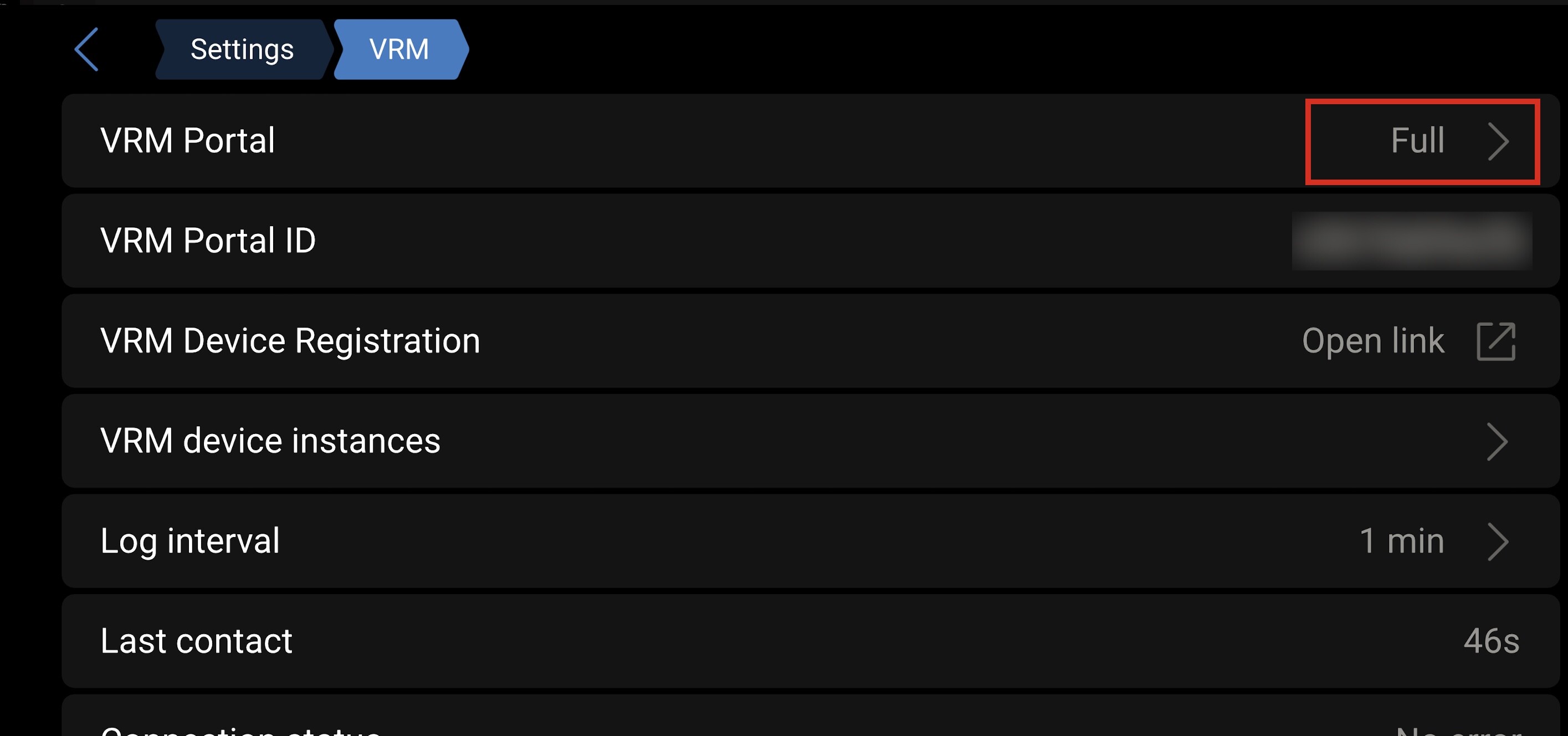
Sorry for the late answer .. my last idea would be that you have set the wrong access level for VRM to your installation.. VRM needs full access to do its work. You can check this in the remote console under Settings/VRM