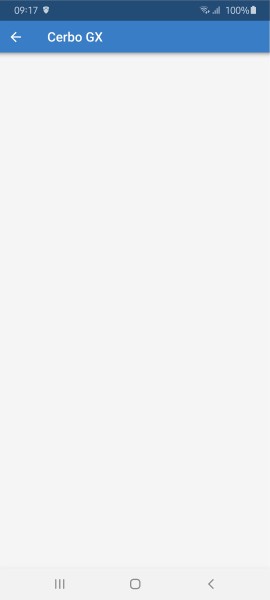
Die Victron Connect App funktioniert bei mir seit ca. 3 Tagen nicht mehr richtig. Ich führe dies auf die automatische Aktualisierung der App vom 18.09. (laut GooglePlay Store) auf Version 6.20 bzw. 6.21 zurück. Beim Start der App wird mein MultiPlus-II zwar im VRM (online) gefunden, wenn ich das Gerät auswähle folgt auf der nächsten Seite jedoch nur ein weißer Bildschirm und es werden keine Daten angezeigt. Beim Aufruf von VRM über einen Webbrowser (https://vrm.victronenergy.com) funktioniert alles ganz normal. Der Fehler tritt nur in der Victron App auf und auch erst seit ca. 3 Tagen.
The Victron Connect app has not been working properly for me for about 3 days. I assume the reason is the automatic update from 18.09.2025 (according to Google Play Store) to version 6.21 /6.20. When I start the app, my MultiPlus-II is found in VRM (online), but when I select the device, only a white screen appears on the next page and no data is displayed. When I access VRM via a web browser (https://vrm.victronenergy.com), everything works normally. The error only occurs in the Victron App and has only been happening for about 3 days.
Nach einem Downgrade auf die App Version 6.19 funktioniert es wieder wie gewohnt! Offenbar haben die App-Versionen 6.21 und 6.20, die in den letzten Tagen veröffentlicht wurden, einen Bug!
After downgrading to app version 6.19, it works as usual again! Apparently, app versions 6.21 and 6.20, which were released in the last few days, have a bug!
Having the same problem for over a week now. On my iPhone with current IOS . I click on my VRM installation (clearly visible) and I get a blank white screen.
Maybe you have all Victron equipments to the last version?
I mean here Cerbo and other hardware firmware.
But there are some which didn’t update during time to the latest firmware version, because the system works, and updated only VictronConnect because it was on autoupdate.
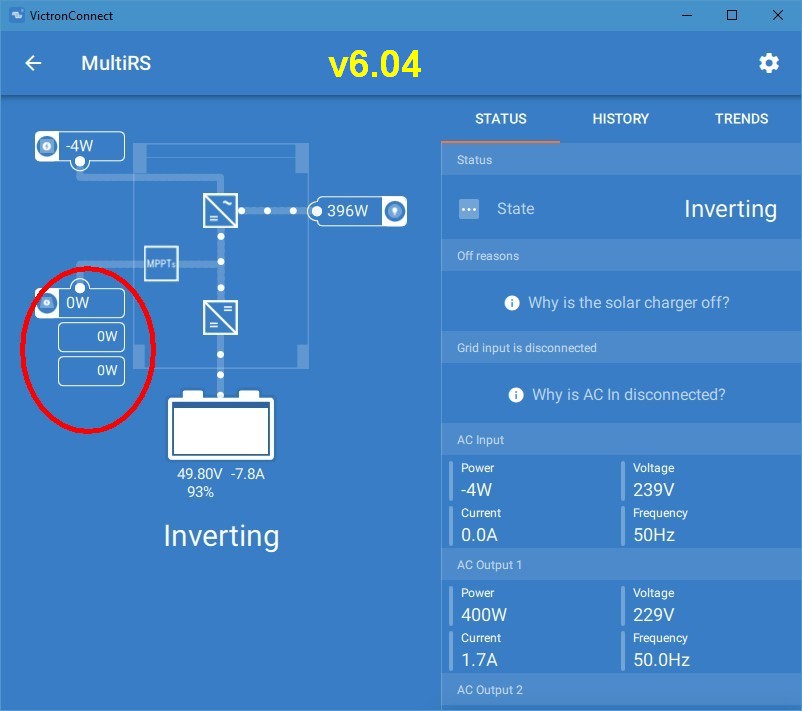
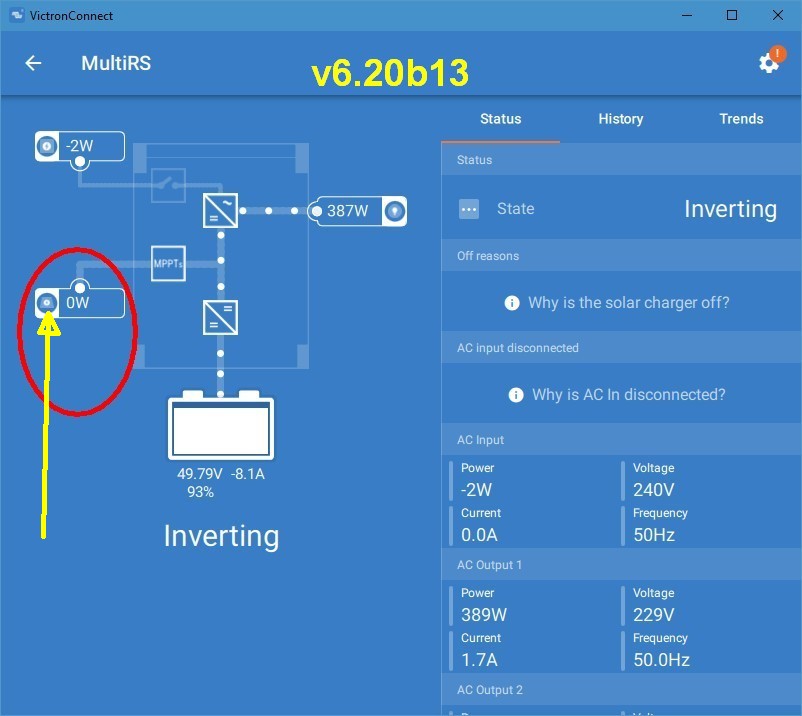
Or they were forced to update how happened in my Windows App case…
In case of my Android 10, on A31 phone, here how it looks below:
3.32.
And don’t tell me it needs updating, because I am kinda “don’t change it if it works” guy…
It just worked OK up until a week ago. So it’s something on the VC app side.
And more of that, the VC application, for VRM section, works with the info sent by the VRM servers.
The info from my Venus to VRM is arriving OK to VRM servers, it’s just not sent correctly back to the Android/Windows app.
Or now it’s just not interpreted correctly on app level.
Aus unerfindlichen Gründen wurde mein Account als Themenstarter gesperrt, nachdem ich eine Link zur Victron Connect Version 6.19 gepostet hatte, mit welche alles einwandfrei funktioniert. Also bitte einmal selbst in Google suchen “Victron Connect Downgrade App”, dort wird man fündig.
Ich stimme Alex Pescaru im übrigen zu, dass der Fehler in der App liegen muss, denn wenn man das VRM manuell, außerhalb der App aufruft, dann sind dort alle Daten vorhanden. Die App hat in der Version 6.19 ja auch nicht anderes gemacht, als zum VRM per Webbrowser zu verlinken.
For some inexplicable reason, my account was blocked as a thread starter after I posted a link to Victron Connect version 6.19, which works perfectly. So please search for “Victron Connect Downgrade App” in Google yourself, and you’ll find what you’re looking for.
I agree with Alex Pescaru that the error must be in the app, because if you call up the VRM manually outside of the app, all the data is there. In version 6.19, the app did nothing more than link to the VRM via a web browser.
Die Sperrung lag daran, das du einfach einen Link ohne Kommentar geschrieben hast, das wird dann durch die Forums-KI automatisch als Spam markiert.
Ich habe die Sperre mal aufgehoben.
I was trying to find the Windows version of VictronConnect…
I can only find android and ios older versions.
If you are kind enough and if you found a 6.19 windows app version, could you please send me the link at mailuri.variate gmail address, because the block was lifted, but the message with the link remained hidden.
Thank you in advance.
This is exactly the problem… I wasn’t given the choice…
As soon as the program was started it started to download and install.
And, as in our neighborhood the network speed is over 800Mbs, imagine the download was less than a few seconds and up until I realized what happened, the 6.21 was already installed…
Note to self: less beers, for improved reaction time…
I really don’t know how to explain for all to understand…
In the second I double-clicked on the VictronConnect icon on the desktop, the VC app launched, opened the main window and without_any_action_from_my_part a popup appeared with a message like “downloading and updating to version 6.21”, started the download (progress bar and all) and the moment the download finished, the installer launched by itself and installed the update and restarted the application.
Just like you’ve manually gone to Settings menu and manually pressed the “update” button.
This is what annoyed me… the starting of the update process without my intervention.
Just give me the 6.19 and I will try to reproduce it…
And another thing…
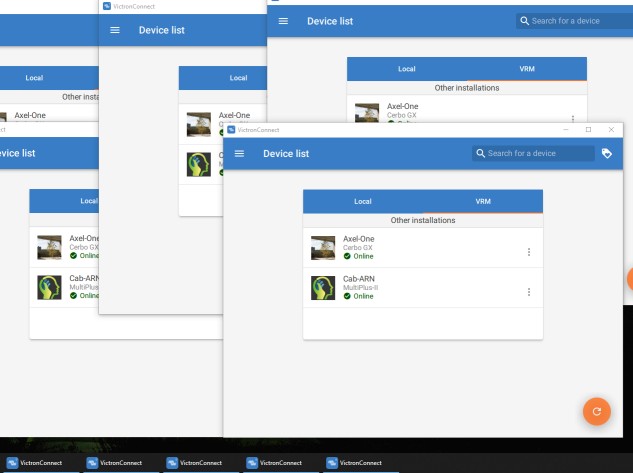
Maybe it will be better/safe to limit the VC instances to only one… Look below…