Hello everyone!
I’m running a 3-phase Victron system primarily for battery storage. Some time ago, I accidentally enabled a tank sensor under Settings → Integration → Tank and Temperature Sensors for just a few seconds.

Since then, a tank appears in the widget settings, even though no tank sensor was ever installed or used.

When I enable the widget, it says “Old data, go to Device list.” However, the tank is not listed under the Devices section.
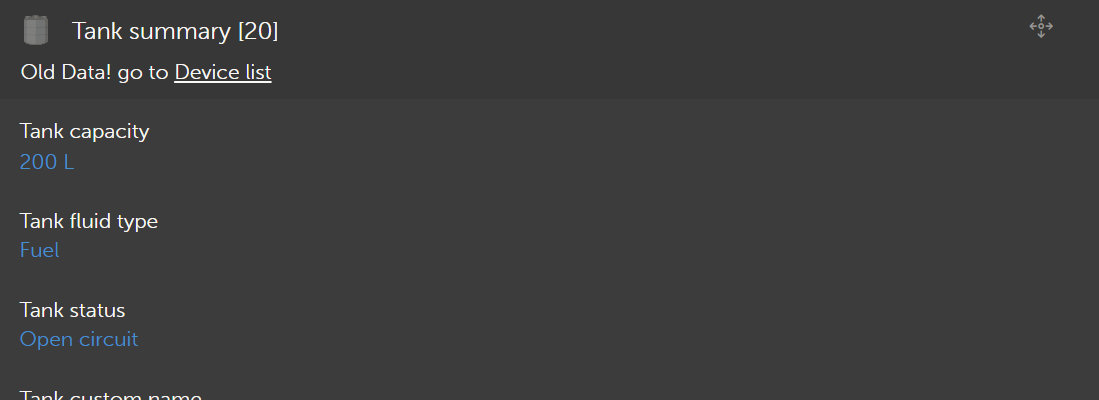

I’ve already read three posts describing similar issues. Is there any way to remove or hide these tank widgets without having to create a new VRM site?
I understand this is purely a cosmetic issue and doesn’t affect functionality, but I’d still prefer to clean it up if possible.
Thanks in advance for any tips!
Best regards,
Martin