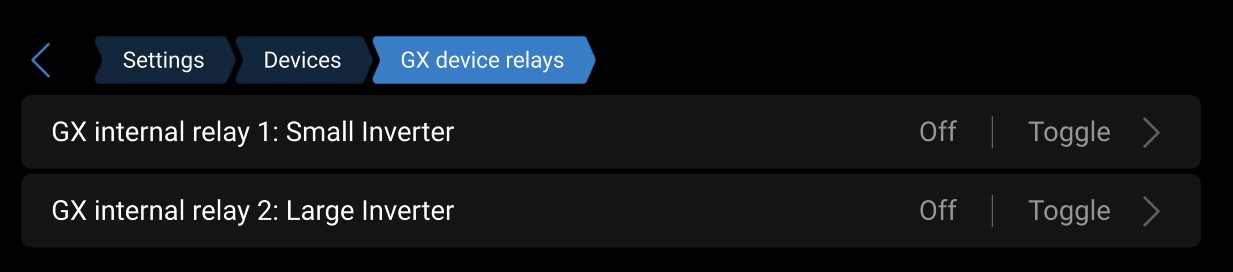
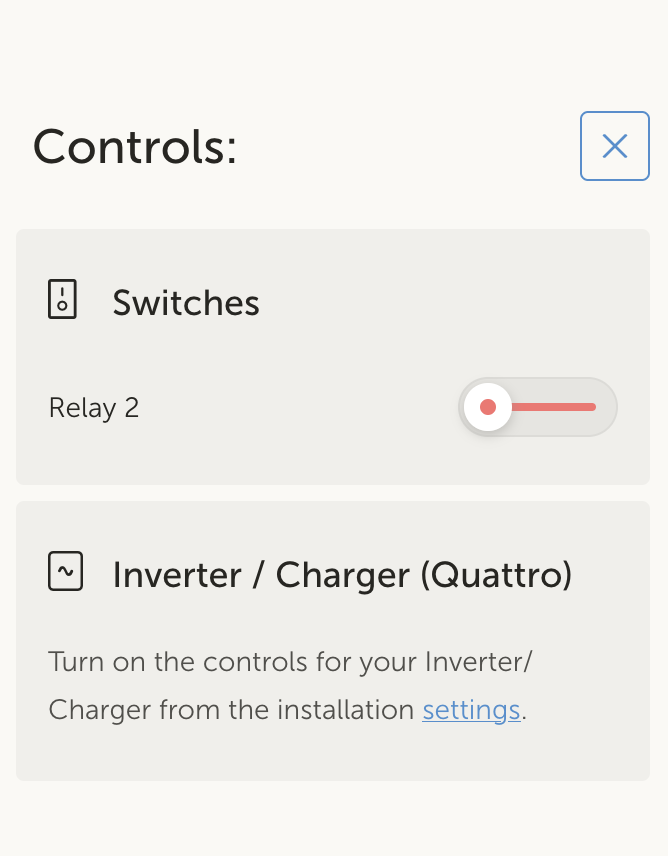
Hey, this topic is to centralize the questions and suggestions wrt changes to internal relays and having them on the Switch pane.
To start, the change log entry, as since v3.70~13, there is quite a nice change:
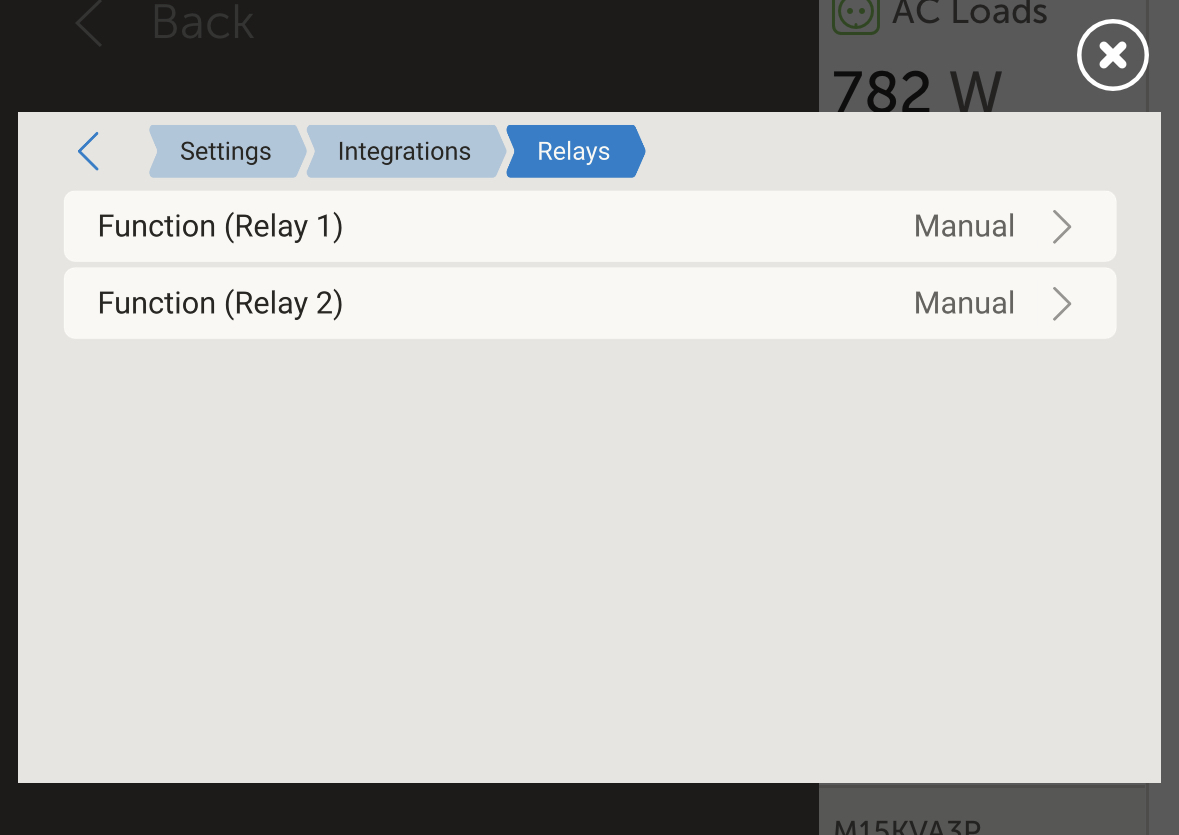
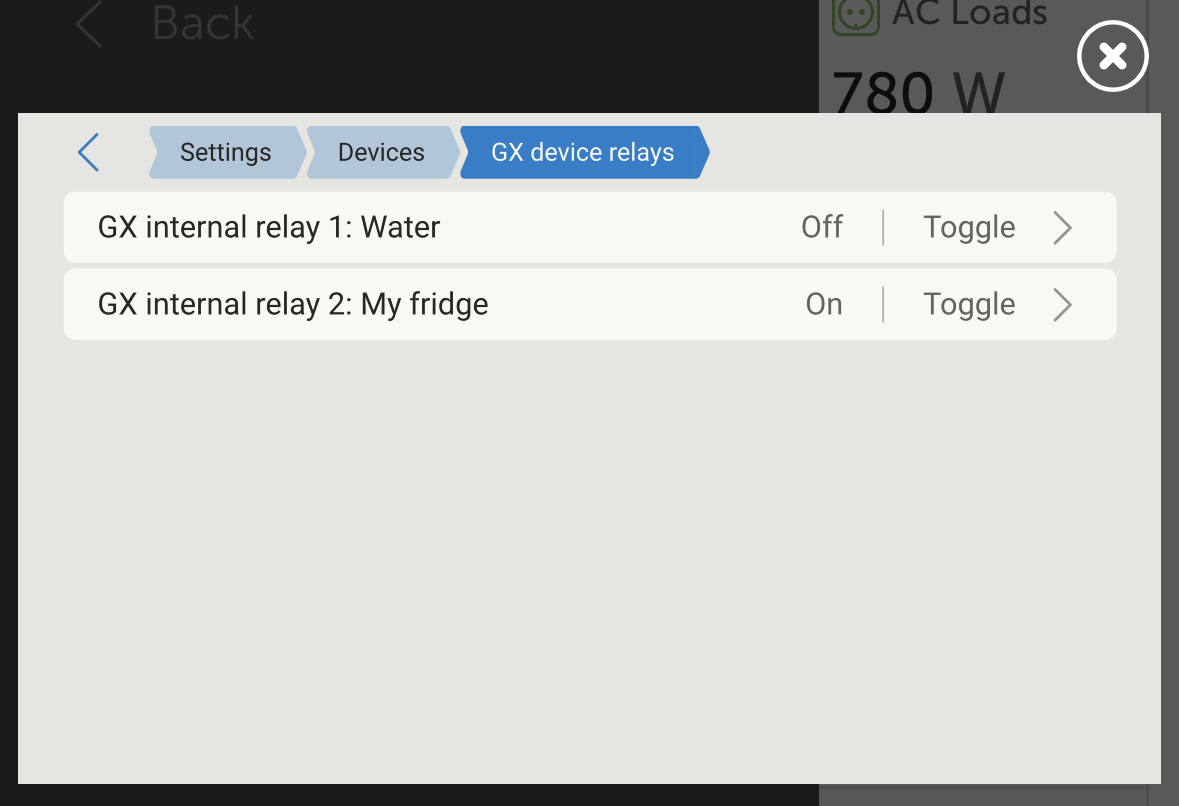
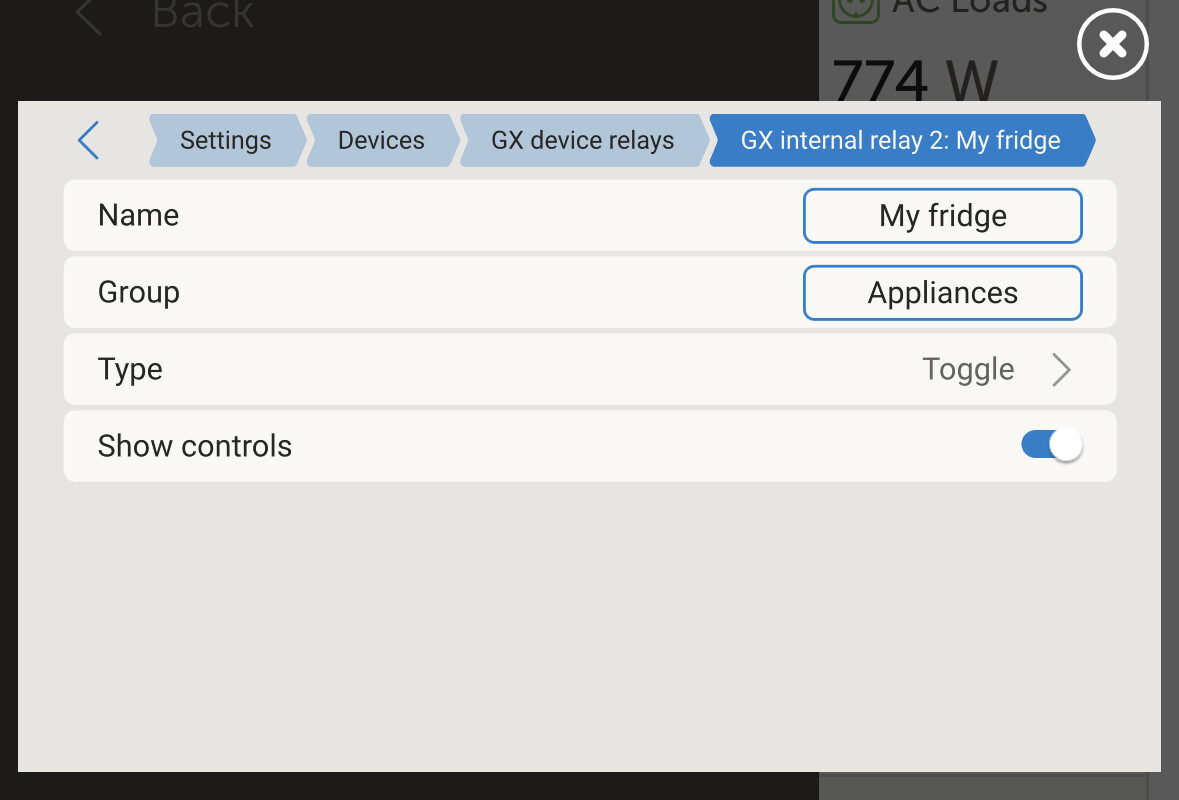
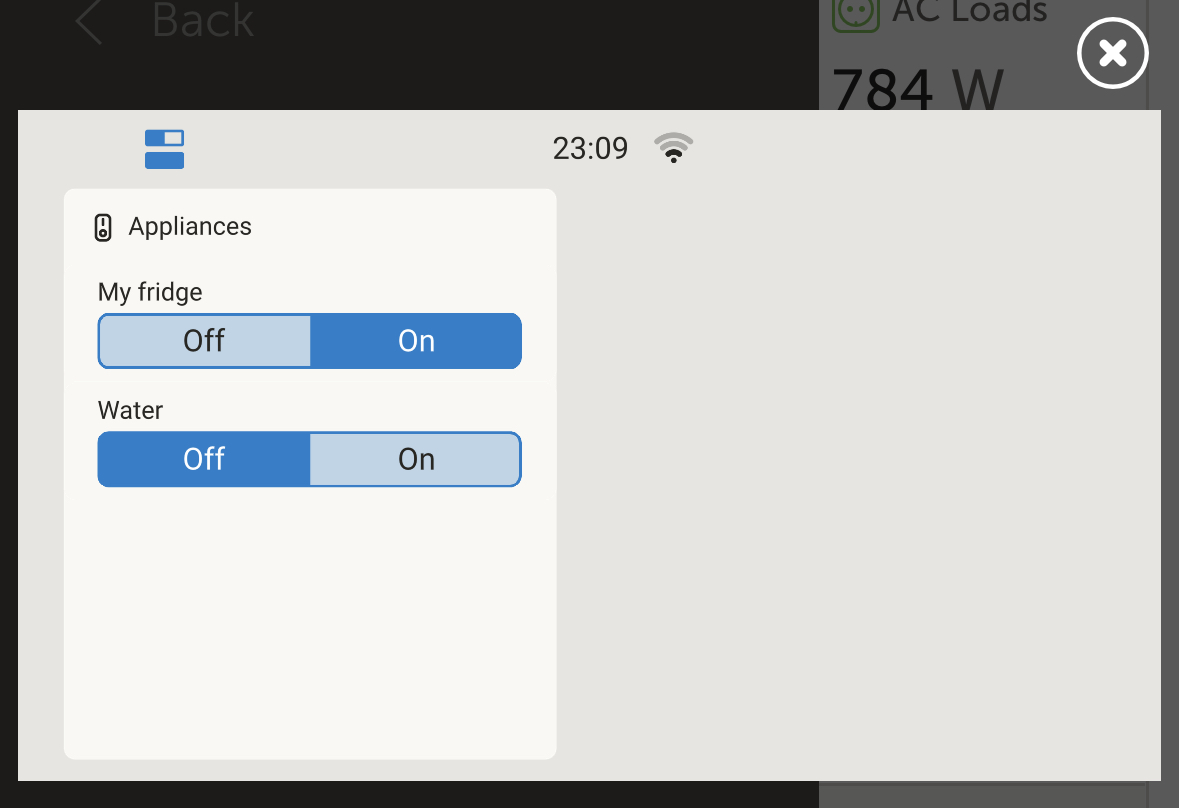
Add GX internal relays to the new Switch pane as well as add option to name them. To use this, go to Settings → Integrations → Relays, there set the function of the relay to be Manual. Once done, go to the Device list, where you’ll find the relay and can (a) give it a name, (b) set a group name, which is to organise multiple switches on the Switch pane, and (c) hide it from the Switch pane when wanted. For example when just used be a Node-RED flow and the intention is not to have it visible as a controllable output in the user interface.
One more change is planned soon, the option to swap on and off on the UI control wrt normally open / normally closed. Thanks @Sportswagoneer for highlighting that.
Relay switching and naming is great!
But I need an option for the relay to «invert on/off when toggling». I use a «normally closed» relay to turn my fridge on/off remotely - and thus the switch panel shows «off» when the fridge is «on»…
I have noticed the cerbo rly 1 and rly 2 are not showing up when selecting the top icon on left. They are enabled to show and have been renamed. they do show up under the new switch pane though.
Current setup consists of
Cerbo
7 inch screen
qty 4 x GX-IO Extender modules
Thanks for adding this feature for the Relays this is nicely implemented as there is now more space around the buttons, previously these were very close and you could easily turn the wrong relay off.
A few questions for this with screenshots below to show.
Using Beta V3.70~21
The Relay 1 / Relay 2 appear in the opposite order on the relay screen, ie Relay 1 appears at the bottom and Relay 2 at the top
The plan is to have one button for “Power system controls”.
And have the other one for all relays and such.
What would an example of power system controls be? Just trying to understand the vision.
Specifically, I am planning to connect the remote on/off terminals for our 3 onboard chargers to relays so I can control them from the Cerbo and wondering how this use case will fit in the new model.
BTW this is an awesome feature either way and very glad to see it’s finally coming.
Would it be possible for the switch states to be named individually … then not only could the inactive state be labelled “on” and the active state be labelled “off” to handle the inverted logic case, but if the virtual switch is controlling some other kind fo device the labels could be more descriptive, for example “forward” & “reverse” to control a fan’s direction, “open” & “close” for a valve or window, “up” and “down” for a blind, “lock” and “unlock” for a door etc. Thanks.