Hi guys, first post. How can I get custom names for tank sensors to show in the “Brief” display on my Touch 50? The custom names I have set show in the “Levels” display but in the Brief display the Fluid Type is shown instead. I can find nothing in Settings to do this. I’ve tried rebooting but no change.

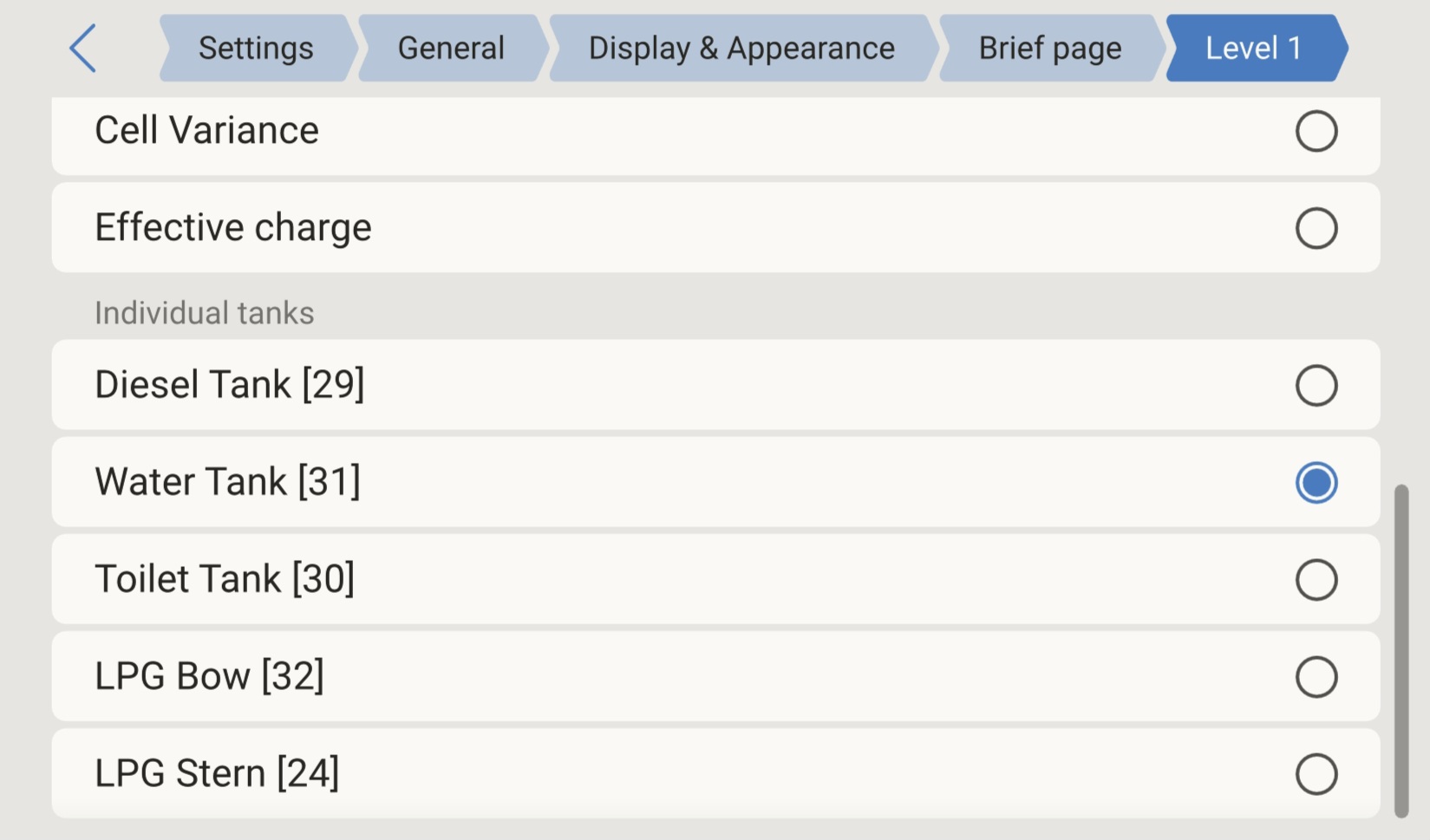
Many thanks - that solved it.
Another question - how do I change the colors of the rings in the Brief view - mine all show as blue.?
You can not, they are automatically set. If you look closely, the orange ones are say fresh water or fuel that are low and red if they are very low, or full / very full for waste tanks. So visible alarms.
Thanks for clarifying that.