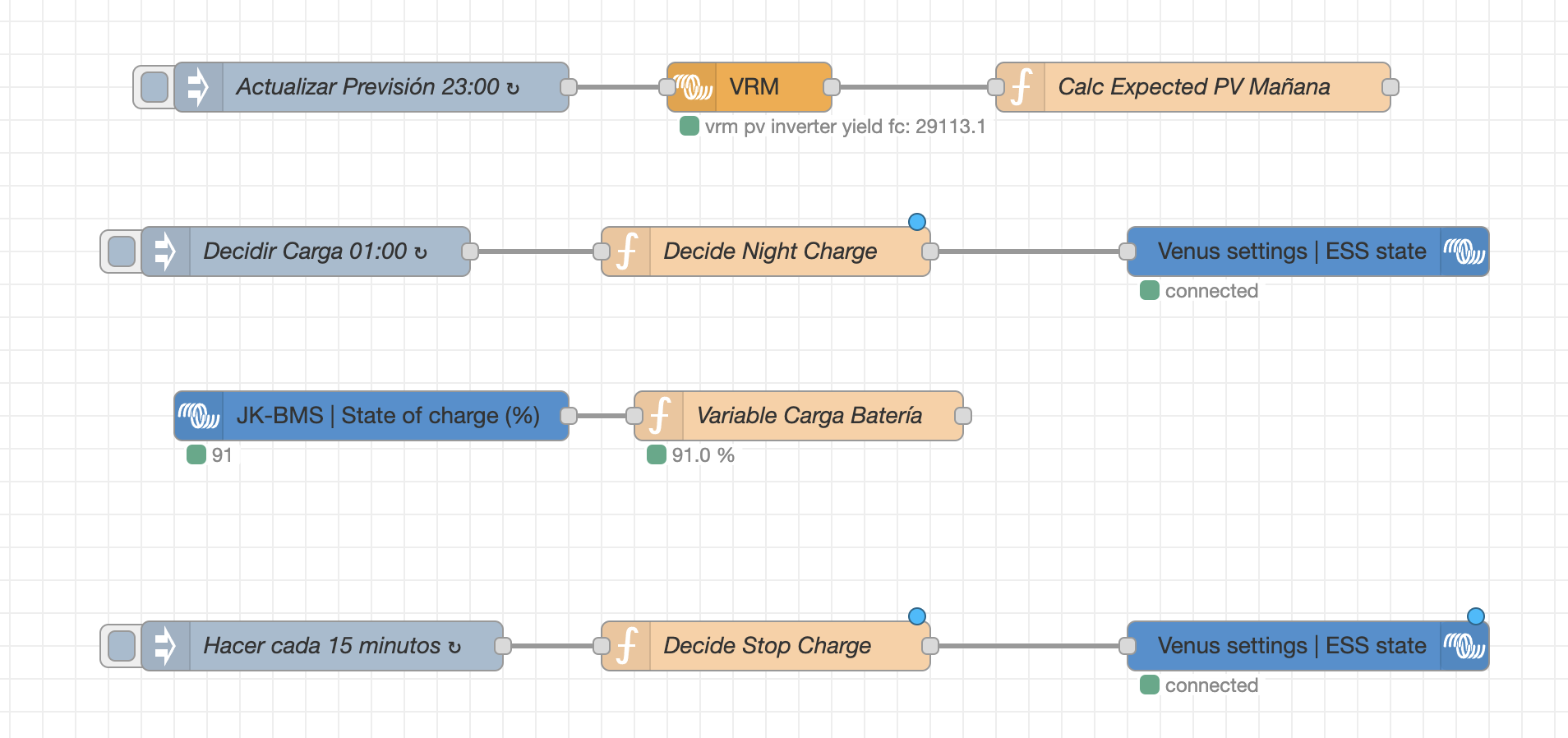
Hello, I am using Node-RED to connect to VRM and retrieve the next day’s solar production forecast for my home. I want to set the battery to charge at 1 AM if the production is below a certain value. In the Cerbo GX GUI, I see four options under ESS - Mode:
- Optimized (with BatteryLife)
- Optimized (without BatteryLife)
- Keep batteries charged
- External control
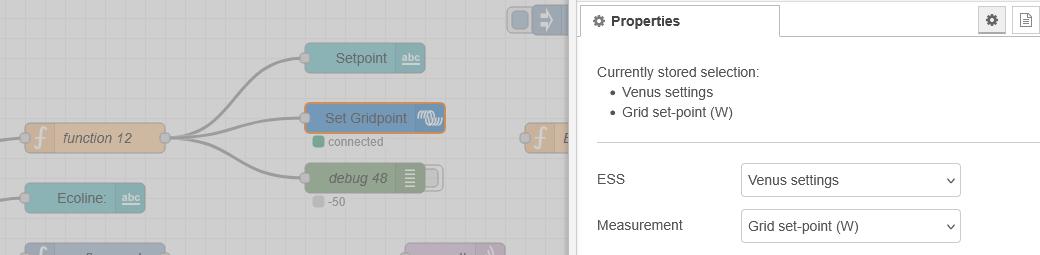
Using the node “@victronenergy/node-red-contrib-victron”, there is an ESS Control Mode node. I select Venus settings - ESS mode, and three options appear. However, none of them is “Keep batteries charged”.
I understand that what I propose is correct: setting the mode to “Keep Batteries Charged” at 1 AM and then switching it back to “Optimized (with BatteryLife)” a few hours later. Please let me know if this is not the right approach. To do this, the only thing I can think of is using the Custom Control node, selecting com.victronenergy.settings and then /Settings/CGwacs/BatteryLife/State. However, I’m unsure about what values should be set here. I don’t find the official documentation.
Could someone help me?
Thank you very much!