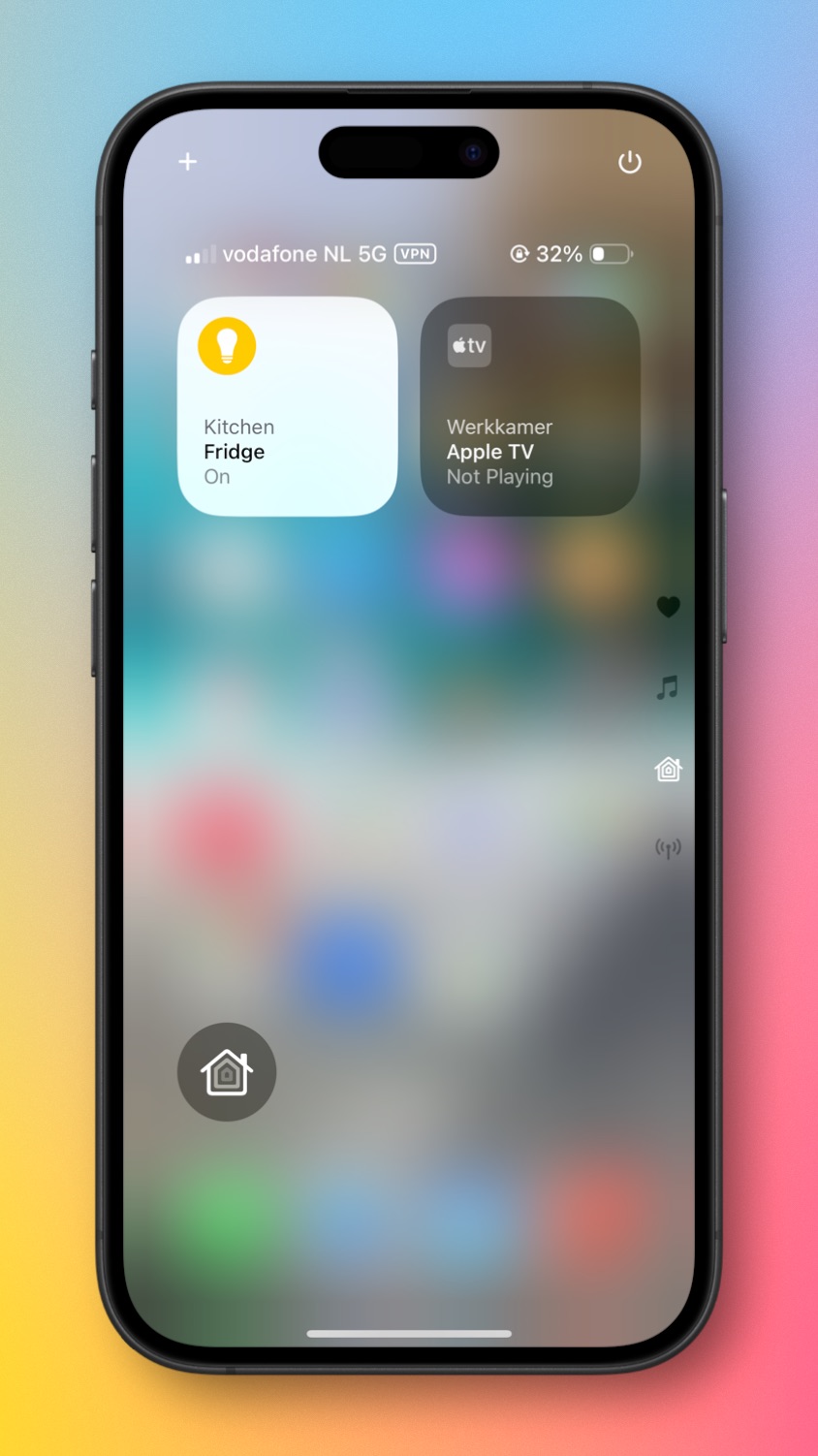
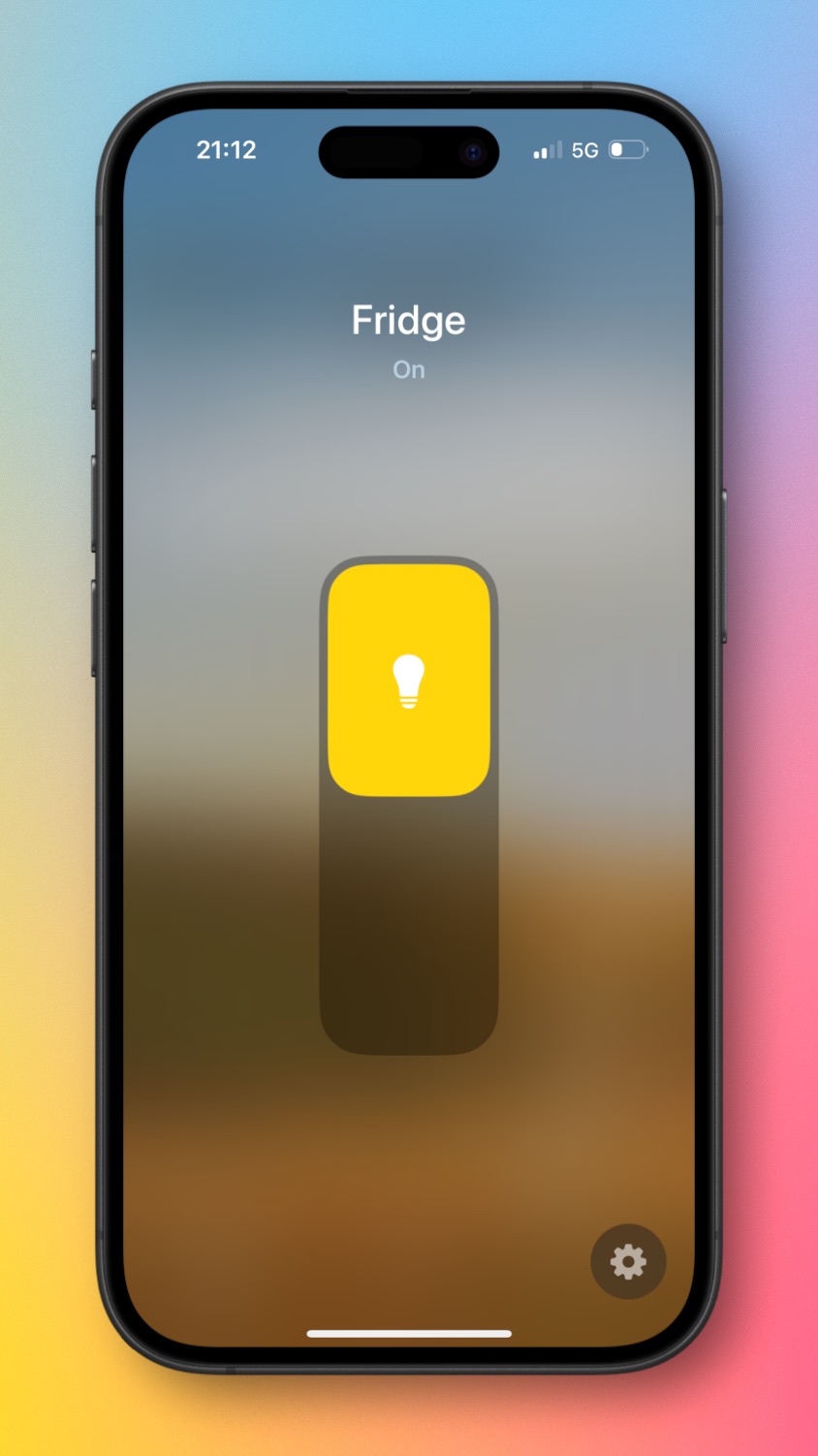
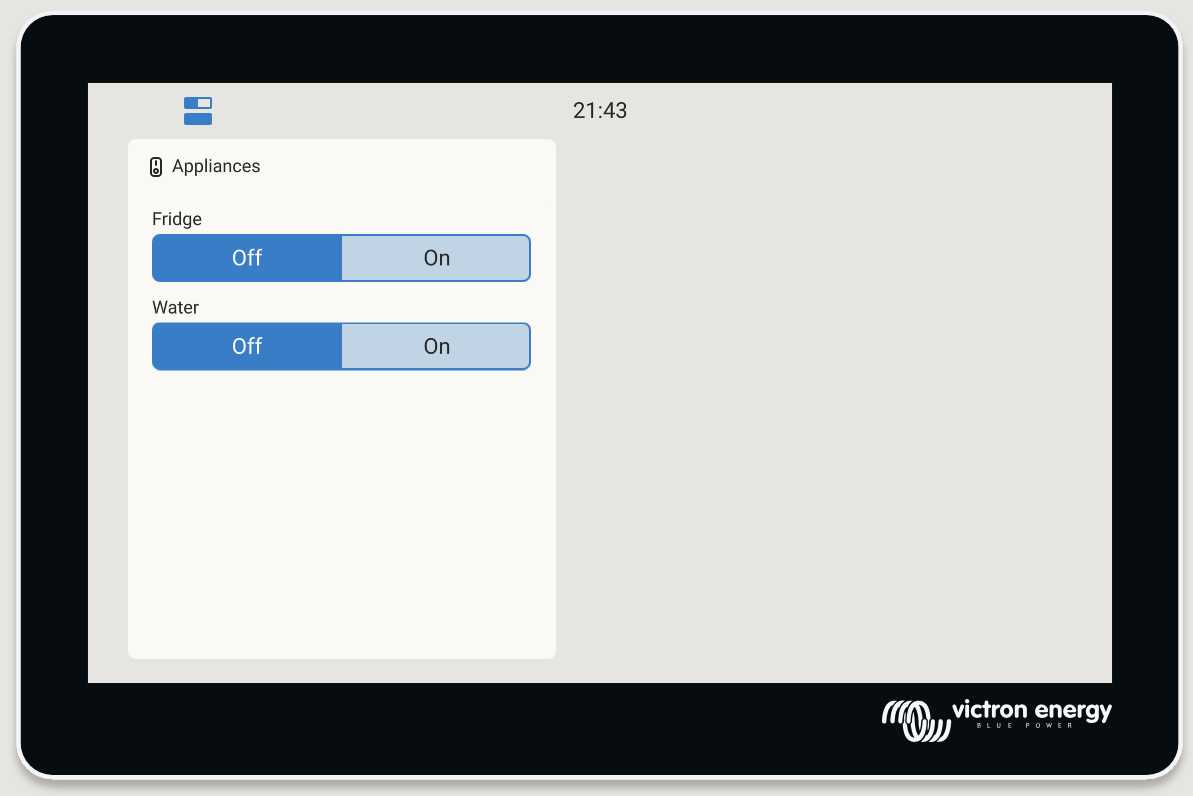
Hey all,
This post explains how to integrate with Apple Home, using Matter.
This started as a me documenting a “hello world” attempt, but by now it just works!
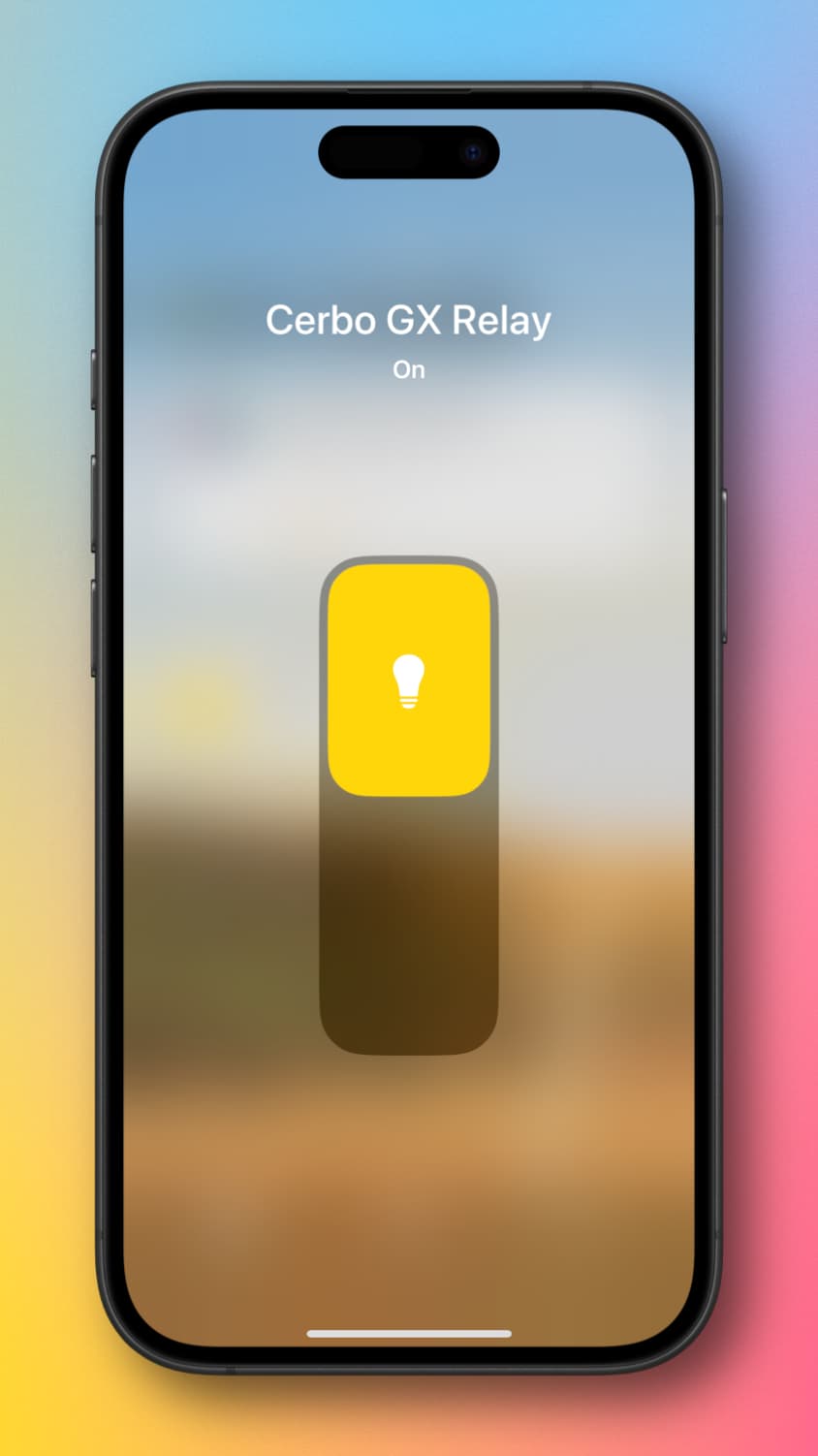
Before we get into the details:
What is Matter, and why should you care?
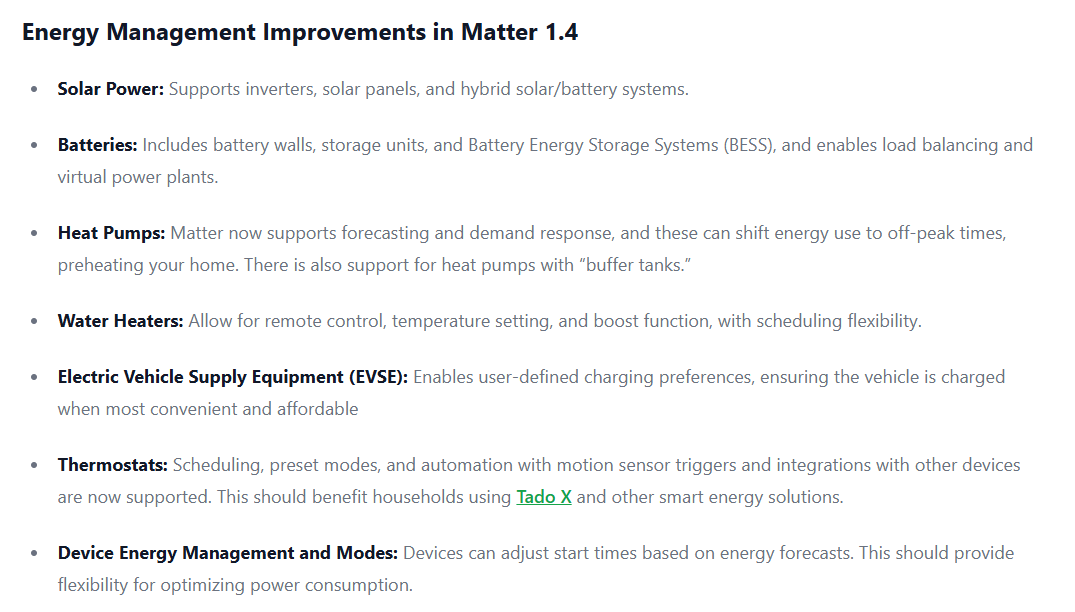
Matter is a widely adopted and fast rising star in the world of Smart Home technologies. Google, Apple, Amazon, as well as Philipps Hue, Home Assistant and many more key brands in the Smart Home world are embracing it.
Hence: super interesting!
Short glossary:
- Matter: A smart home standard that enables seamless, secure, and reliable communication between smart devices from different brands, ensuring they work together across ecosystems like Apple Home (HomeKit), Google Home, Amazon Alexa and Home Assistant.
- Thread: A low-power, wireless mesh networking protocol used by Matter devices to communicate directly with each other without relying on a central hub or Wi-Fi, improving speed, reliability, and range.
- Apple Home / HomeKit: Apple’s smart home platform that supports Matter and Thread, allowing iPhones, iPads, and HomePods to control compatible devices.
- Thread Border Router: A device that connects a Thread network to your home network and the internet. Examples of products that act as a border router include the Apple HomePod, Apple TV, Google Nest devices, Amazon Echo (4th gen), enabling seamless communication between Thread devices and cloud-based services.
- Home Assistant: An open-source smart home platform that integrates with Matter and Thread, offering local control, privacy, and flexibility for advanced automations across a wide range of devices and brands.
For more technical information, read the Matter Handbook, start at the How it works chapter. Slightly more end-user oriented, there is this thorough article and list at the Verge.
How to control a relay - proof of concept.
Implementing it took less time than writing up this post  . So for anyone that wants to get involved with Matter & Victron Venus OS, have a look / try yourself.
This integration is based on Node-RED (details here).
After investigation what nodes there are available to work with the Matter protocol, conclusion is that there are two main nodes:
- @sammachin/node-red-matter-bridge: use this to make your Victron system controllable from a Matter compatible platform, ie. Apple Home, Google Home, Alexa etc.)
- @sammachin/ node-red-matter-controller: use this one control Matter devices from Node-RED.
Both are popular and receive regular updates. The first one is the one used in this proof of concept.
Works remotely as well, due to having a Apple TV in my home network.
Step by step
- In Node-RED, install the node-red-matter-bridge into the Palette
- Add an on/off light node from the new Palette, and configure it
- Add a Victron node for the relay
- Connect it using a function, as a small conversion is needed to convert msg.payload.state (boolean) into msg.payload (0 or 1).
Then on the iPhone:
- Go through the steps of adding the switch.
FAQ
- Does this allow control by voice - Apple Siri? Yes
- Can I do the same with Google Home or Amazon Alexa? Answer: most likely yes.
What is next?
At Victron we’re experimenting with this and exploring where and how to add more Matter related functionality and have that into our road map.
Looking forward to hear your ideas, thoughts as well as seeing your work as well.
Conclusion
Any thoughts, suggestions, ideas - very welcome!
Matthijs
Ps 1. the flow
[
    {
        "id": "583d9d0110f94b16",
        "type": "tab",
        "label": "Flow 1",
        "disabled": false,
        "info": "",
        "env": []
    },
    {
        "id": "victron-client-id",
        "type": "victron-client",
        "showValues": true,
        "contextStore": true
    },
    {
        "id": "5fa2e38a35e5ddea",
        "type": "matterbridge",
        "name": "Ekrano GX matter bridge 2",
        "vendorId": "0xFFF1",
        "productId": "0x8000",
        "vendorName": "Node-RED-Matter",
        "productName": "Node-RED-Bridge",
        "storageLocation": "/data/home/nodered/.matter",
        "networkInterface": "eth0",
        "logLevel": "ERROR"
    },
    {
        "id": "ae41ba42adc92754",
        "type": "matteronofflight",
        "z": "583d9d0110f94b16",
        "name": "Matter switch (Fridge)",
        "bridge": "5fa2e38a35e5ddea",
        "passthrough": "false",
        "bat": "false",
        "topic": "",
        "x": 200,
        "y": 160,
        "wires": [
            [
                "9da3a882bff396ff",
                "919fa57e27a5cafb"
            ]
        ]
    },
    {
        "id": "9a914253f9b33955",
        "type": "victron-output-relay",
        "z": "583d9d0110f94b16",
        "service": "com.victronenergy.system/0",
        "path": "/Relay/1/State",
        "serviceObj": {
            "service": "com.victronenergy.system/0",
            "name": "Venus device"
        },
        "pathObj": {
            "path": "/Relay/1/State",
            "type": "enum",
            "name": "Venus relay 2 state",
            "enum": {
                "0": "Open",
                "1": "Closed"
            },
            "mode": "both"
        },
        "name": "GX built-in relay 2",
        "onlyChanges": false,
        "x": 200,
        "y": 320,
        "wires": []
    },
    {
        "id": "66834beddb4de4a0",
        "type": "victron-input-relay",
        "z": "583d9d0110f94b16",
        "service": "com.victronenergy.system/0",
        "path": "/Relay/1/State",
        "serviceObj": {
            "service": "com.victronenergy.system/0",
            "name": "Venus system"
        },
        "pathObj": {
            "path": "/Relay/1/State",
            "type": "enum",
            "name": "Venus relay 2 state",
            "enum": {
                "0": "Open",
                "1": "Closed"
            },
            "mode": "both"
        },
        "name": "",
        "onlyChanges": false,
        "x": 200,
        "y": 80,
        "wires": [
            [
                "ae41ba42adc92754",
                "4a1d8fc6cbe05272"
            ]
        ]
    },
    {
        "id": "9da3a882bff396ff",
        "type": "function",
        "z": "583d9d0110f94b16",
        "name": "Convert from bool to int",
        "func": "if (msg.payload.state) {\n    msg.payload = 1;\n} else {\n    msg.payload = 0;\n}\nreturn msg;",
        "outputs": 1,
        "timeout": 0,
        "noerr": 0,
        "initialize": "",
        "finalize": "",
        "libs": [],
        "x": 200,
        "y": 240,
        "wires": [
            [
                "9a914253f9b33955"
            ]
        ]
    },
    {
        "id": "919fa57e27a5cafb",
        "type": "debug",
        "z": "583d9d0110f94b16",
        "name": "debug msg from matter",
        "active": true,
        "tosidebar": true,
        "console": false,
        "tostatus": false,
        "complete": "payload",
        "targetType": "msg",
        "statusVal": "",
        "statusType": "auto",
        "x": 530,
        "y": 160,
        "wires": []
    },
    {
        "id": "4a1d8fc6cbe05272",
        "type": "debug",
        "z": "583d9d0110f94b16",
        "name": "debug msg to matter",
        "active": true,
        "tosidebar": true,
        "console": false,
        "tostatus": false,
        "complete": "payload",
        "targetType": "msg",
        "statusVal": "",
        "statusType": "auto",
        "x": 520,
        "y": 80,
        "wires": []
    }
]
Ps 2. Screenshots of some of the nodes
Configuration of the Matter On/Off Light node:

Configuration of the Matter Bridge config node.

The red cross was where a QR code shows, which is used to connect this into your Smart Home. It disappears after making that connection. (Apparently?) it can only be connected to one matter fabric or controller at the time.
Ps 3. Recommended video to learn about Matter and Thread
For those that want to learn about Matter, Thread, Alexa, Google Home, and so forth and so forth, I recommend this video: